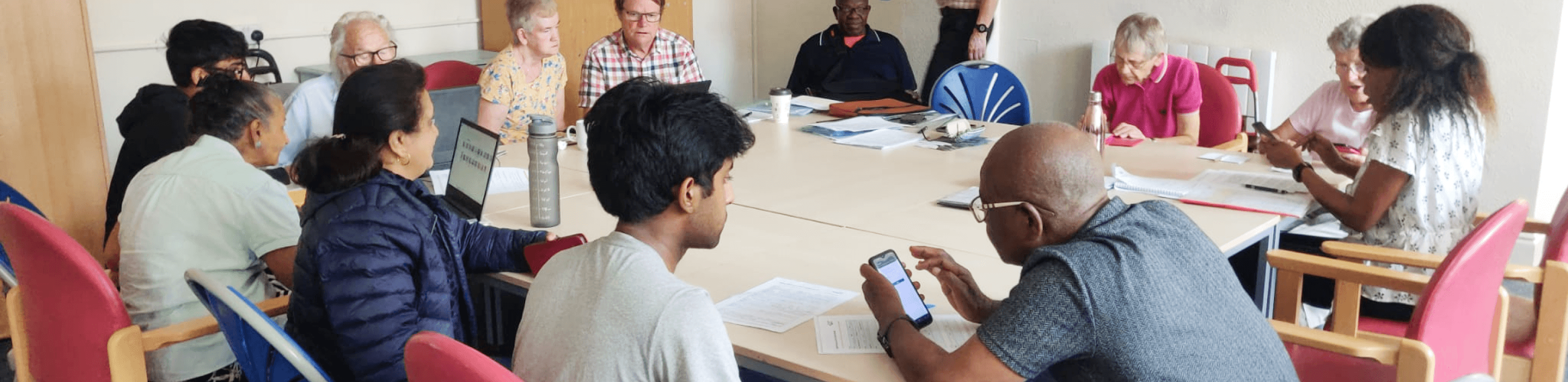
Digital Dinosaurs is what I call them.
From seeing the birth of technology to the feeling of being outcasted by it, they have seen it all.
My Process
Secondary Research
Hunt Statement
Volunteering
Key Insights
Ideation
Conceptualisation
Wireframing
Iterations
Primary research
User Interviews
Observations
Analysis
Low Fidelity
User Flows
IA
Insights
User persona
User need Statement
Vision statement
User Testing
Feedback
Reflection
Unearthing the
Challenge
In Their Shoes
Creative Storm
Diving Deep
Architect’s Turn
Eureka Moments
The Horizon
By 2030,
One in Five people in the UK, 21.8%, will be aged 65+ year
In an era where digital innovation moves at breakneck speed, the elderly often find themselves overwhelmed by the complexity of modern devices, leading to disengagement and isolation. My master's project, GuidEase, addresses this challenge head-on by simplifying digital interfaces for those with deteriorating cognitive abilities, ensuring they remain connected, independent, and confident.
Embracing Voices of Experience
Diving Deep into their Feet
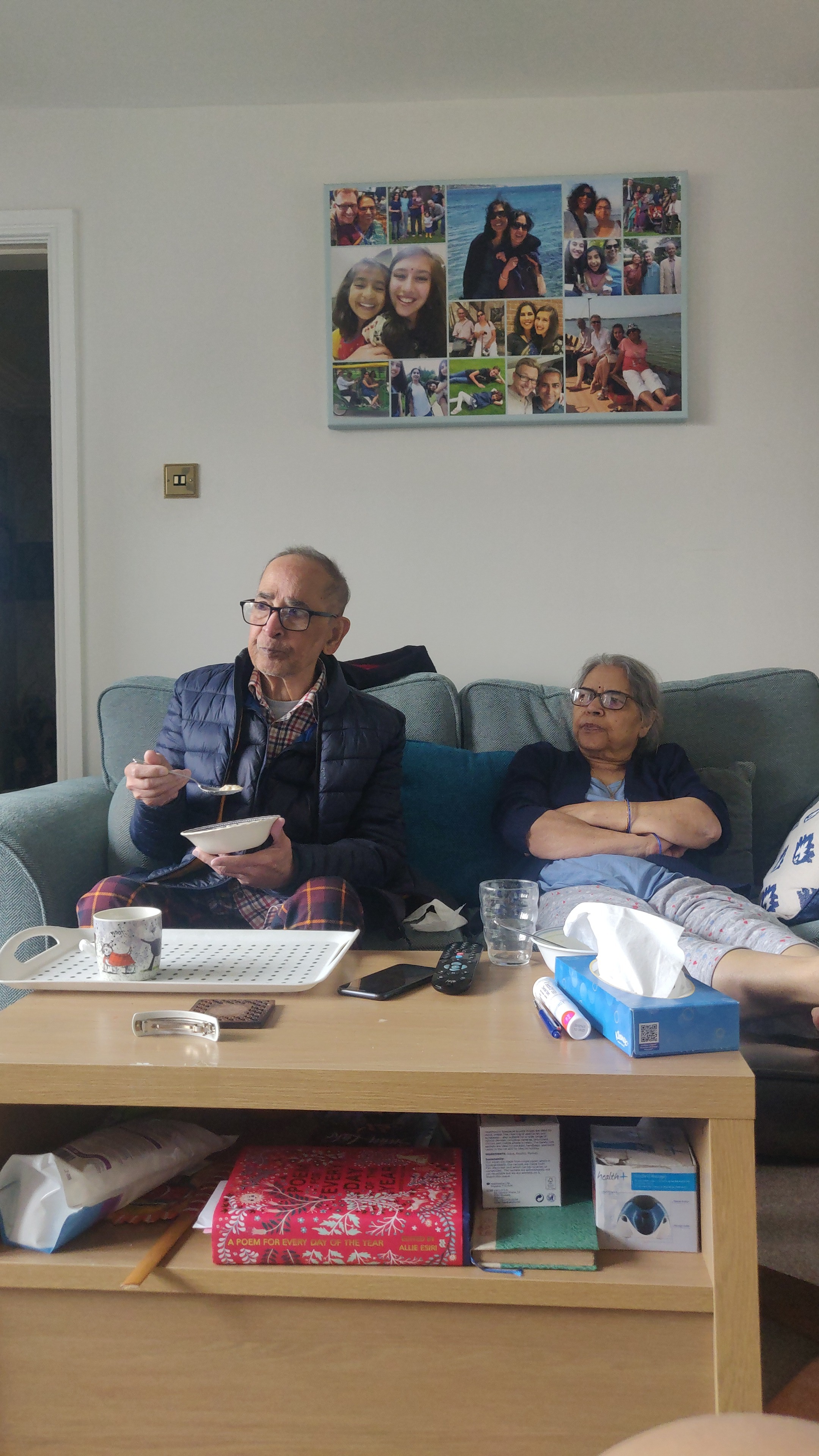
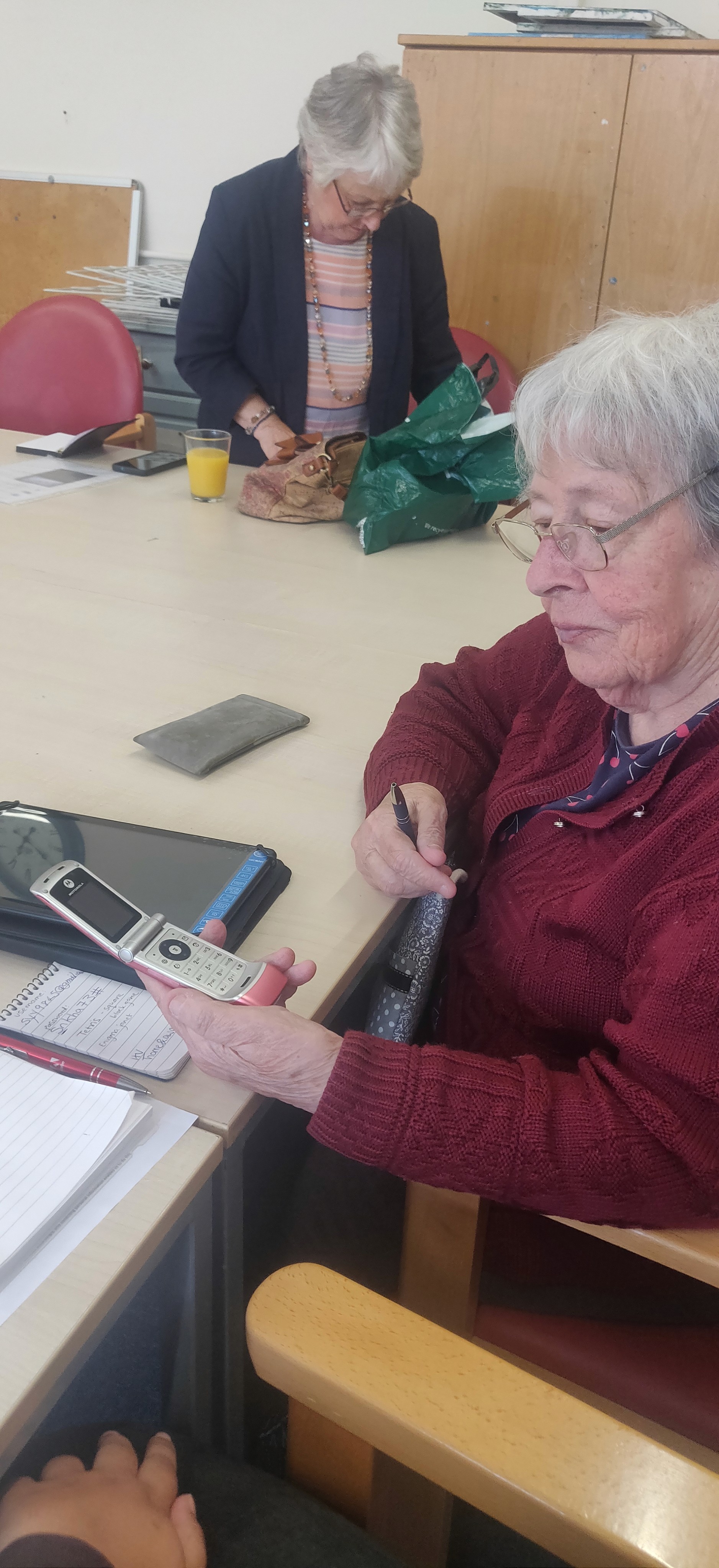
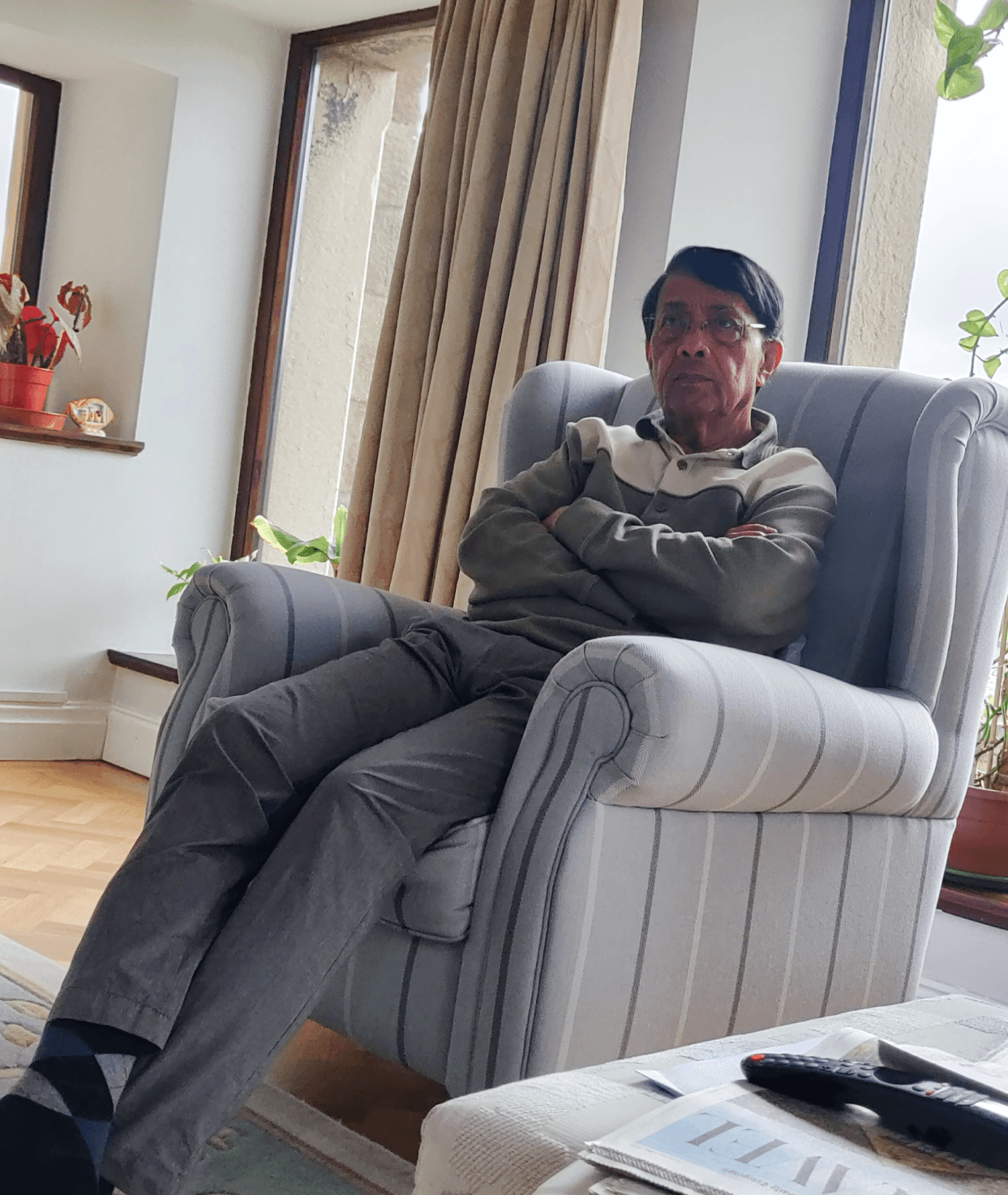
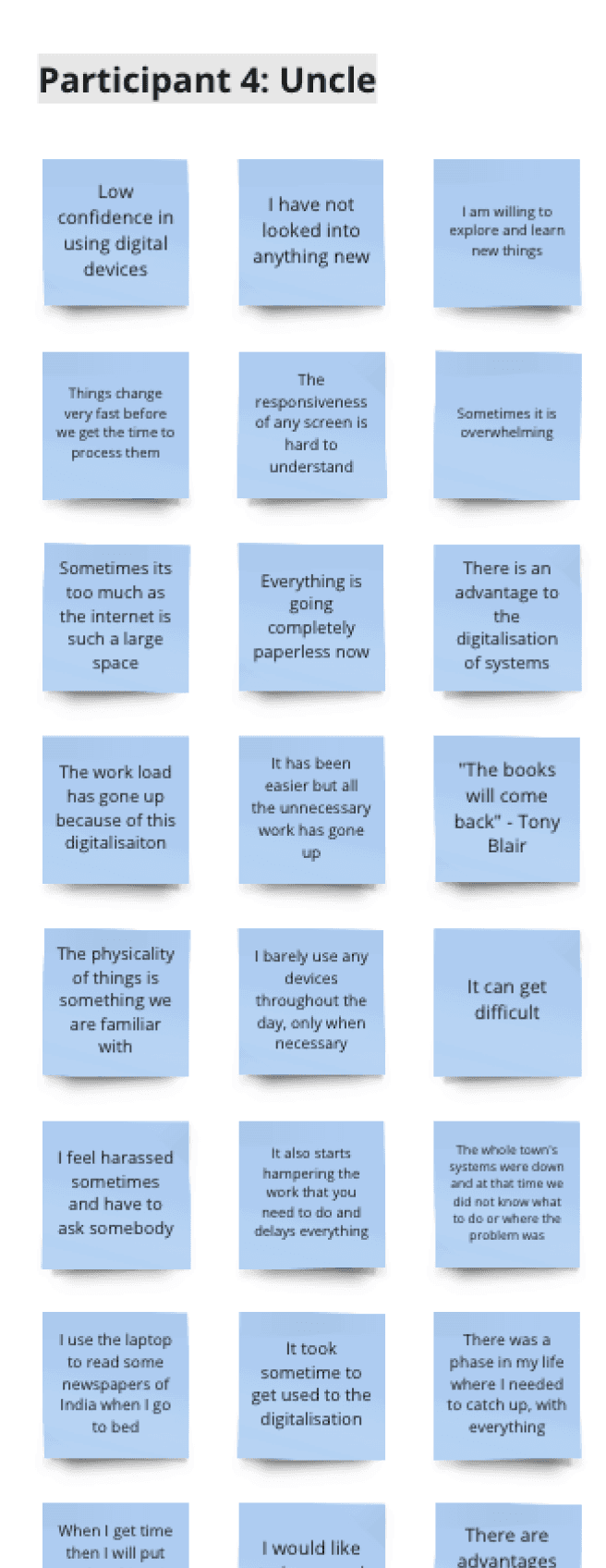
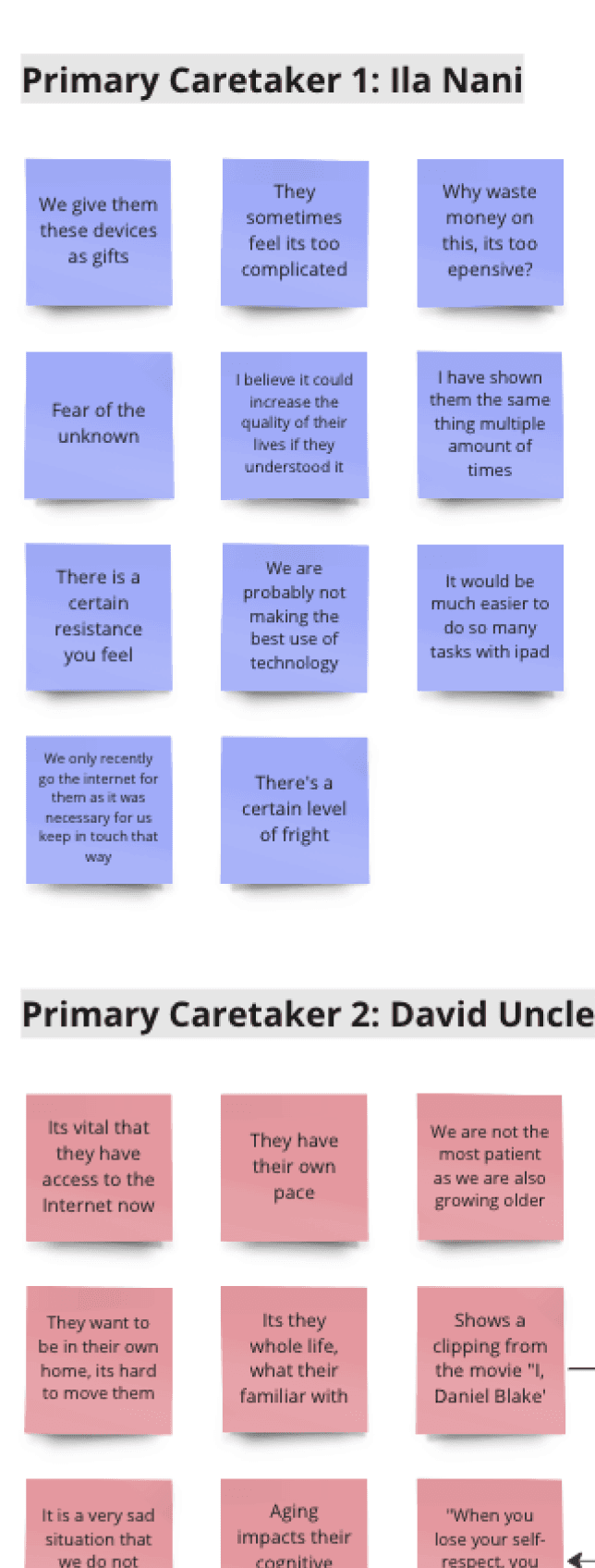
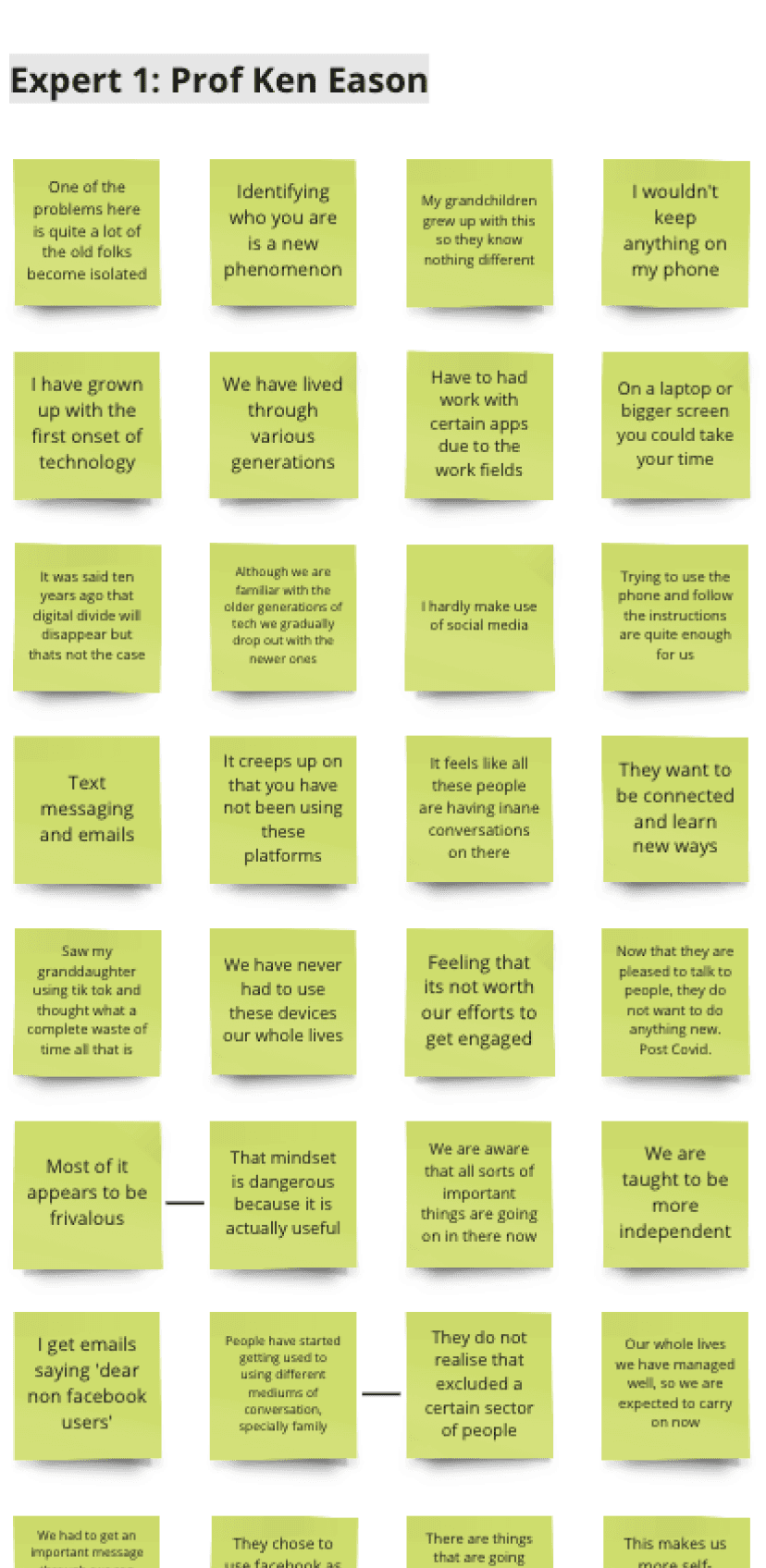
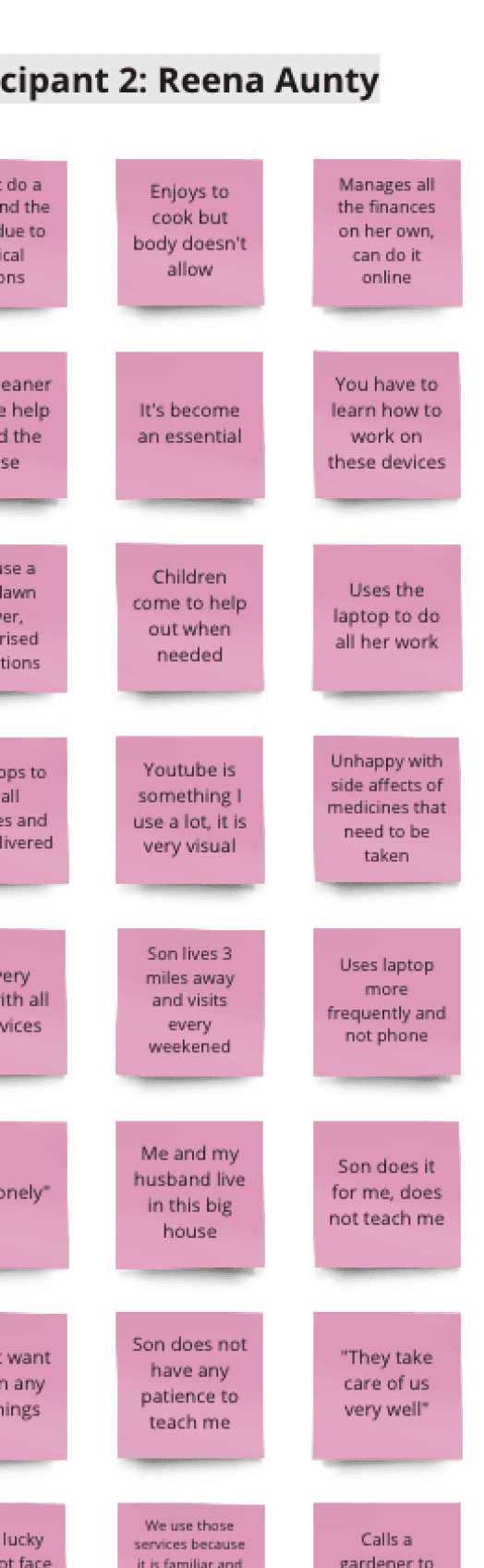
Armed with curiosity and empathy, I embarked on a mission to listen. Conversations with octogenarians, caretakers, and experts unveiled a landscape marred by frustration and resignation. Stories of struggle, from the bewildering complexity of remotes to the alienation from fast-evolving gadgets, painted a vivid picture.
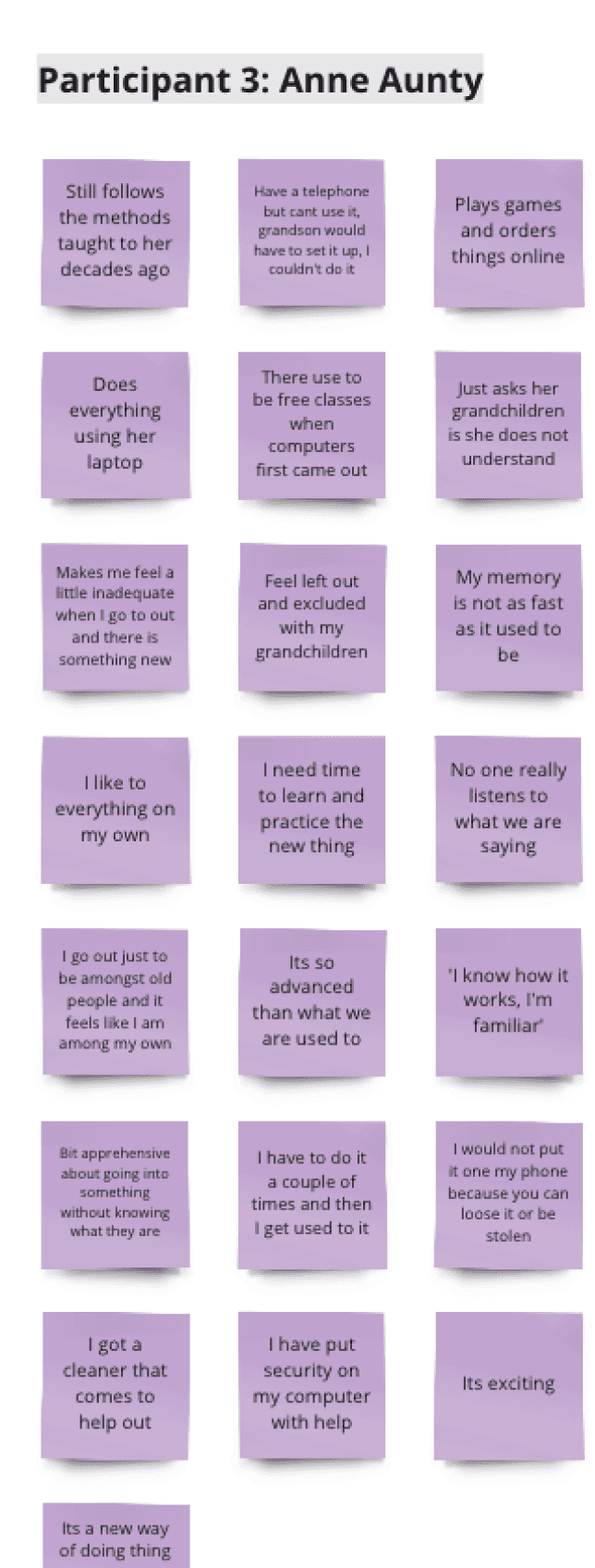
User Interviews
Contextual Interviews
My journey began with secondary research and user interviews, as detailed in the early stages of my project documentation. Engaging with elderly users and their caregivers, I identified key frustrations and barriers faced in daily digital interactions.
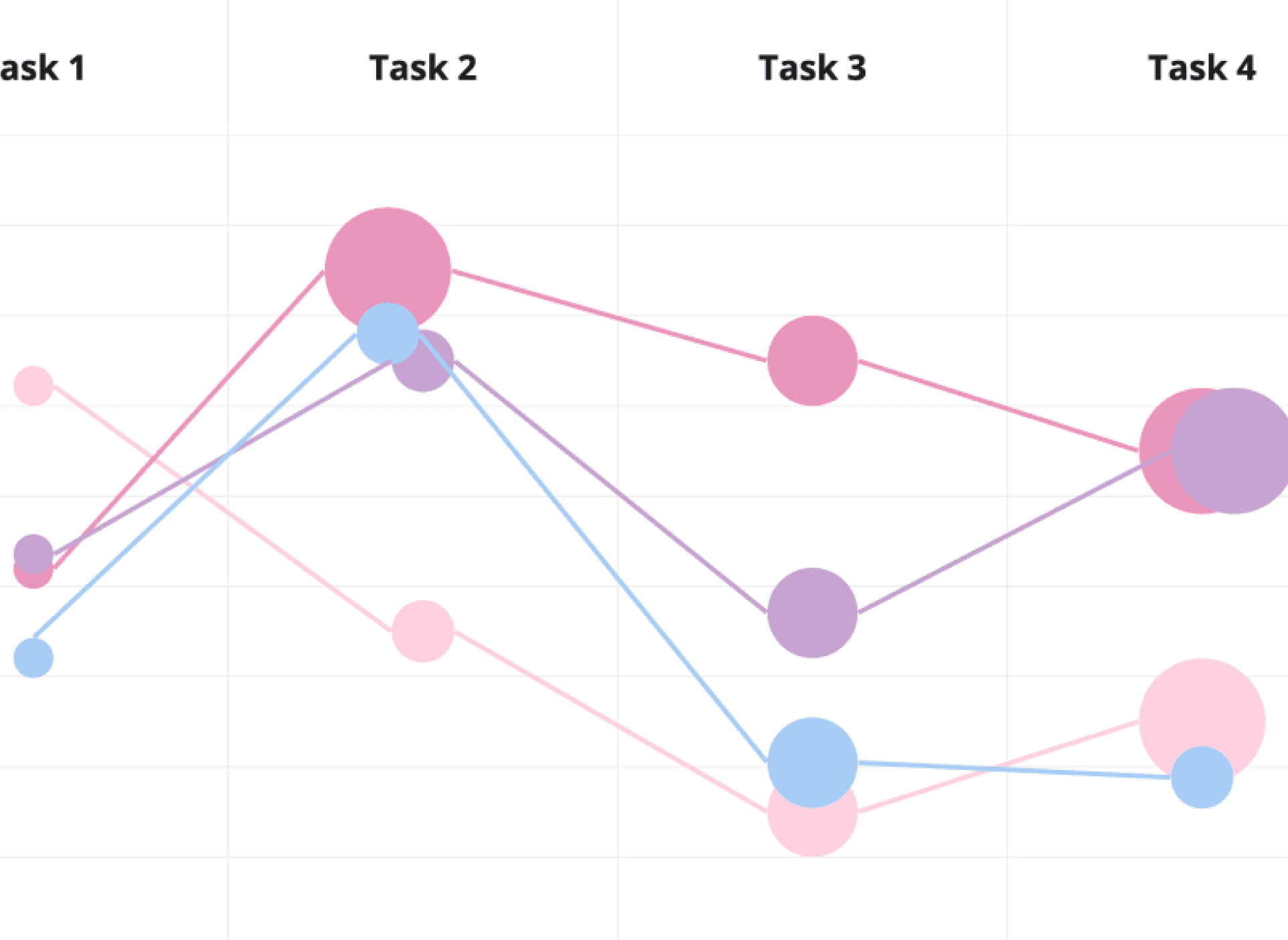
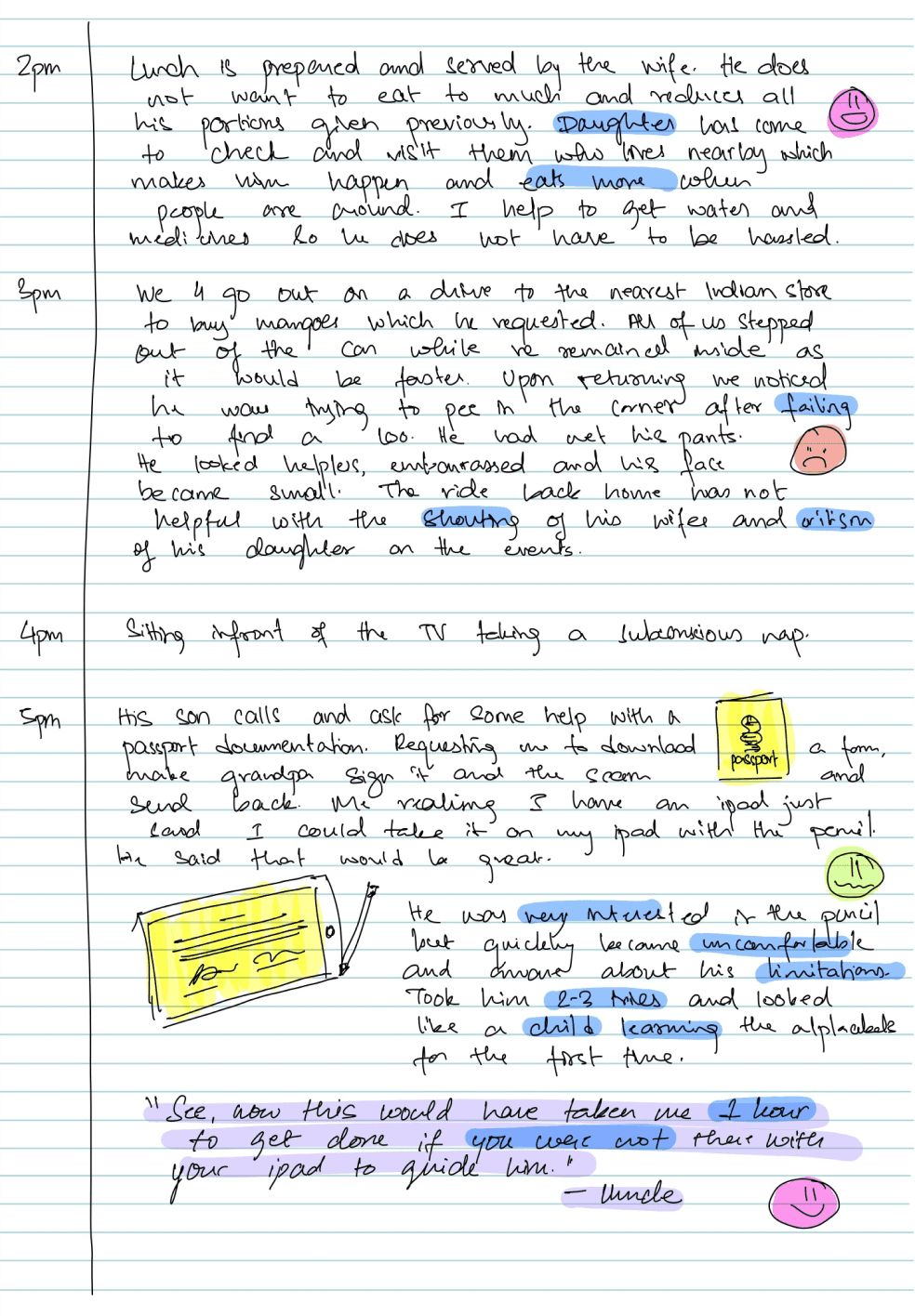
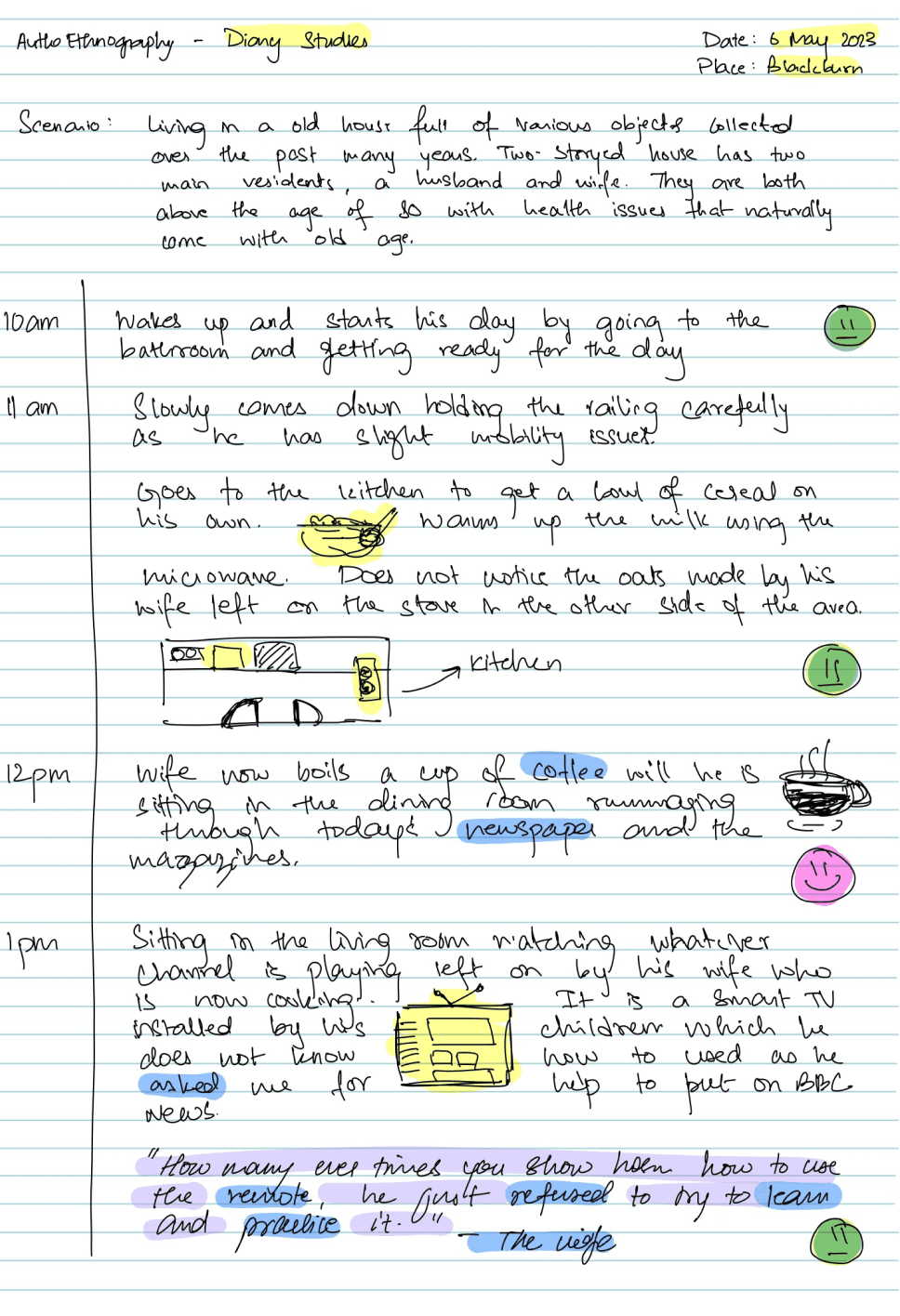
Diary Studies
Auto-Ethnography
Emo - Tracking
Observations
Through methods like auto-ethnography and contextual interviews, I collected stories of elderly individuals struggling with the complexities of modern devices, which often lead to feelings of alienation and incompetence.
Many elderly feel overwhelmed by multifunctional devices.
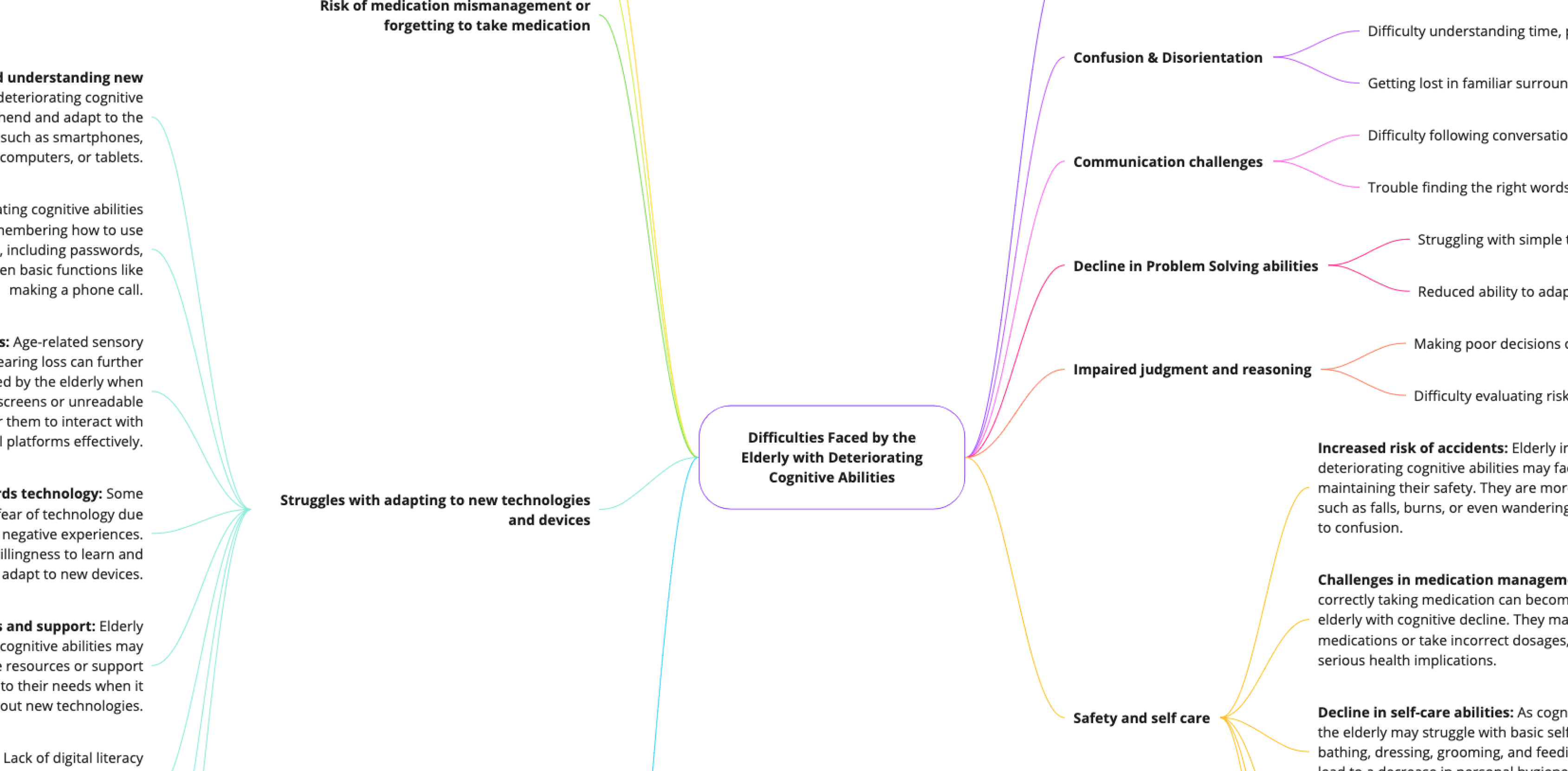
There is a notable decline in cognitive and sensory abilities that affects their interaction with technology.
Emotional responses to technology failures include embarrassment and frustration, leading to tech avoidance.
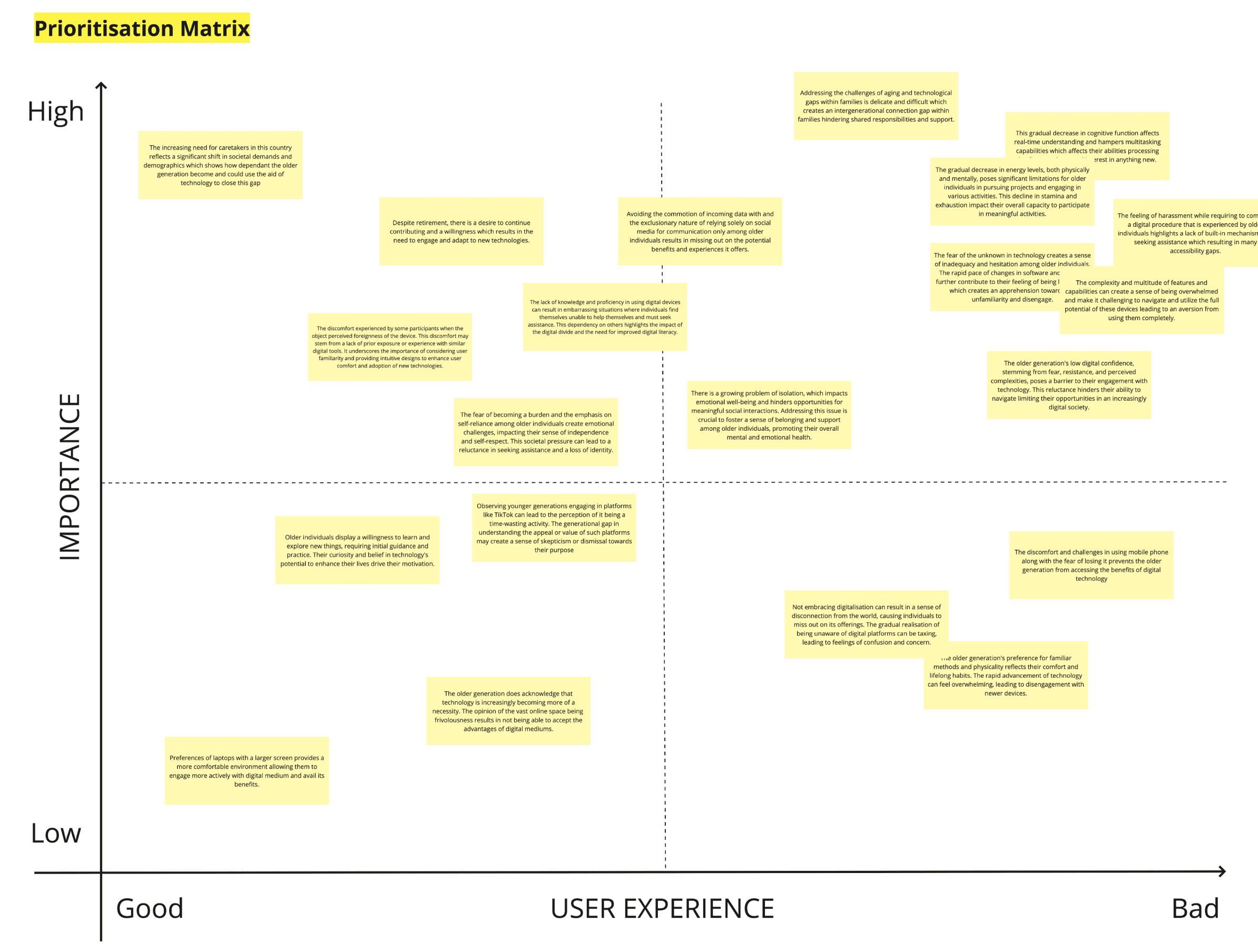
Insights Unearthed: Beyond the Surface
Defining the Area
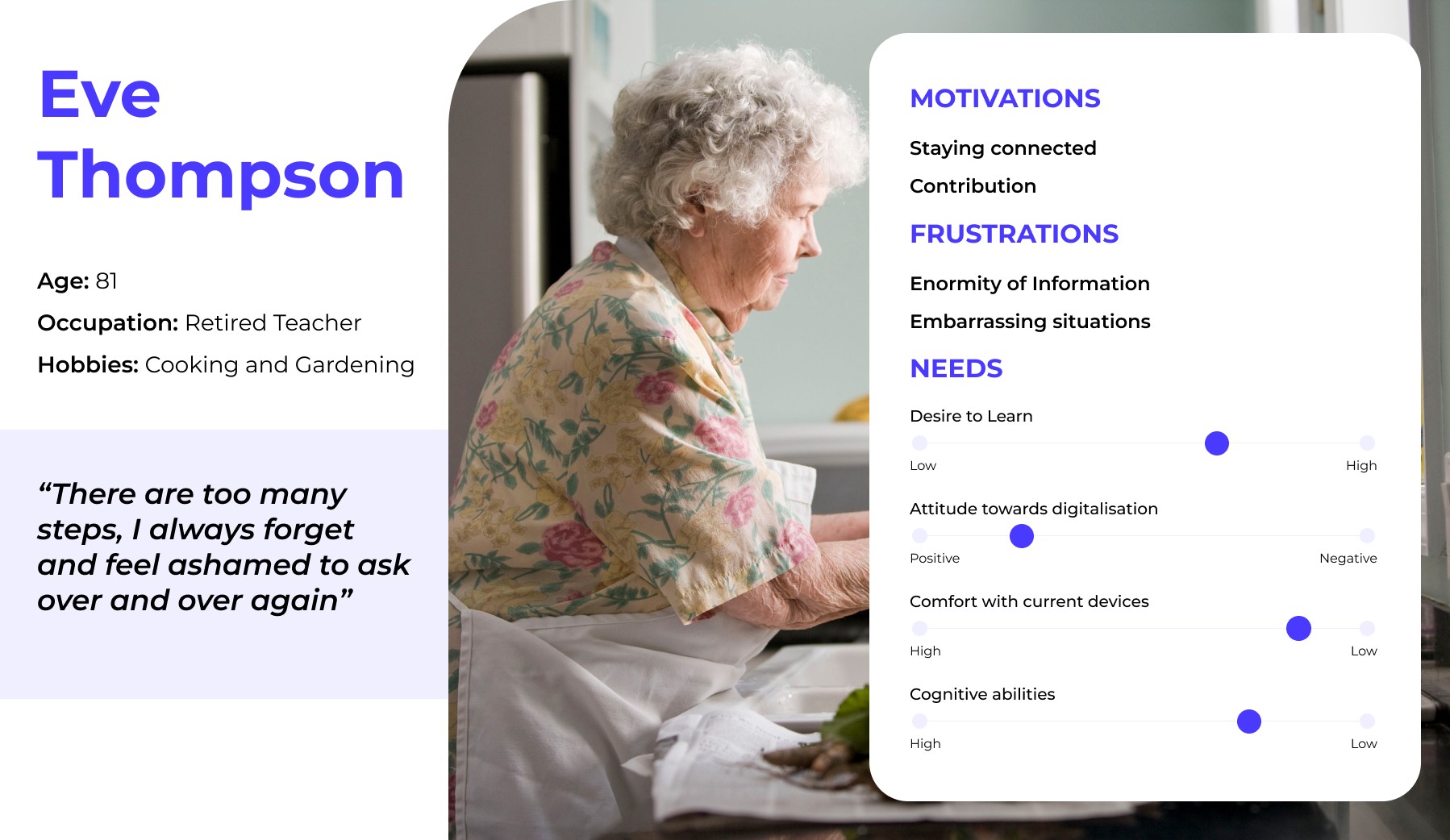
This phase solidified the foundational theories and design principles necessary to address the elderly's unique challenges, crafting a user persona that embodies their needs and aspirations.
BRIDGING THE GAP
I believe there is an opportunity to design a product for individuals with deteriorating cognitive abilities, that promotes stimulation and improvement to overcomes the challenges of inhibitions and resistances towards digital space so that they can maintain independence and overall well-being, enabling them to confidently navigate their daily activities and enhance their quality of life.
~ Vision Statement
“
”
As a digitally hesitant individual, I need simplified methods to understand how to operate multifunctional devices and applications, so that I can overcome my technological barriers and confidently use them without feeling overwhelmed or embarrassed.
~ USER NEED STATEMENT
USER PERSONA
DESIGN PRINCIPLES
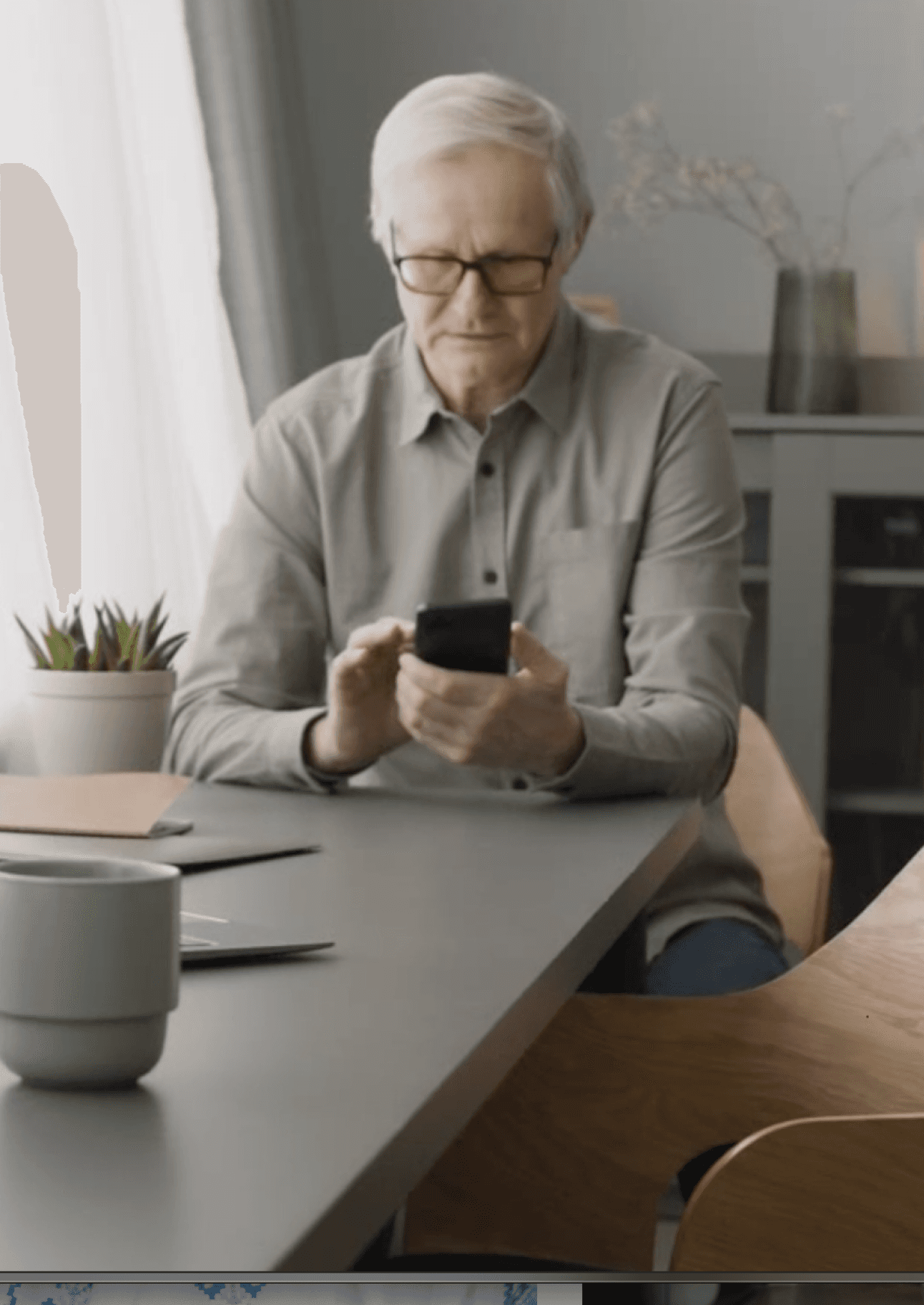

Engagement:
Encouraging curiosity and discovery within a safe interface.
Empowerment:
Building confidence through consistent support and intuitive design.
Exploration:
Keeping users connected and actively involved with their community and technology.
AFFECTS OF DETERIORATING COGNITIVE ABILITIES
Integration of Scaffolding Theory of Cognitive Aging:
As cognitive abilities decline with age, the brain develops compensatory mechanisms, or "scaffolds," to support cognitive function.
Application of Dual-Process Theory:
Distinguishes between fast, intuitive thinking (Type 1) and slower, more deliberate thinking (Type 2), with elderly individuals often relying more on the latter due to slower cognitive processing speeds.

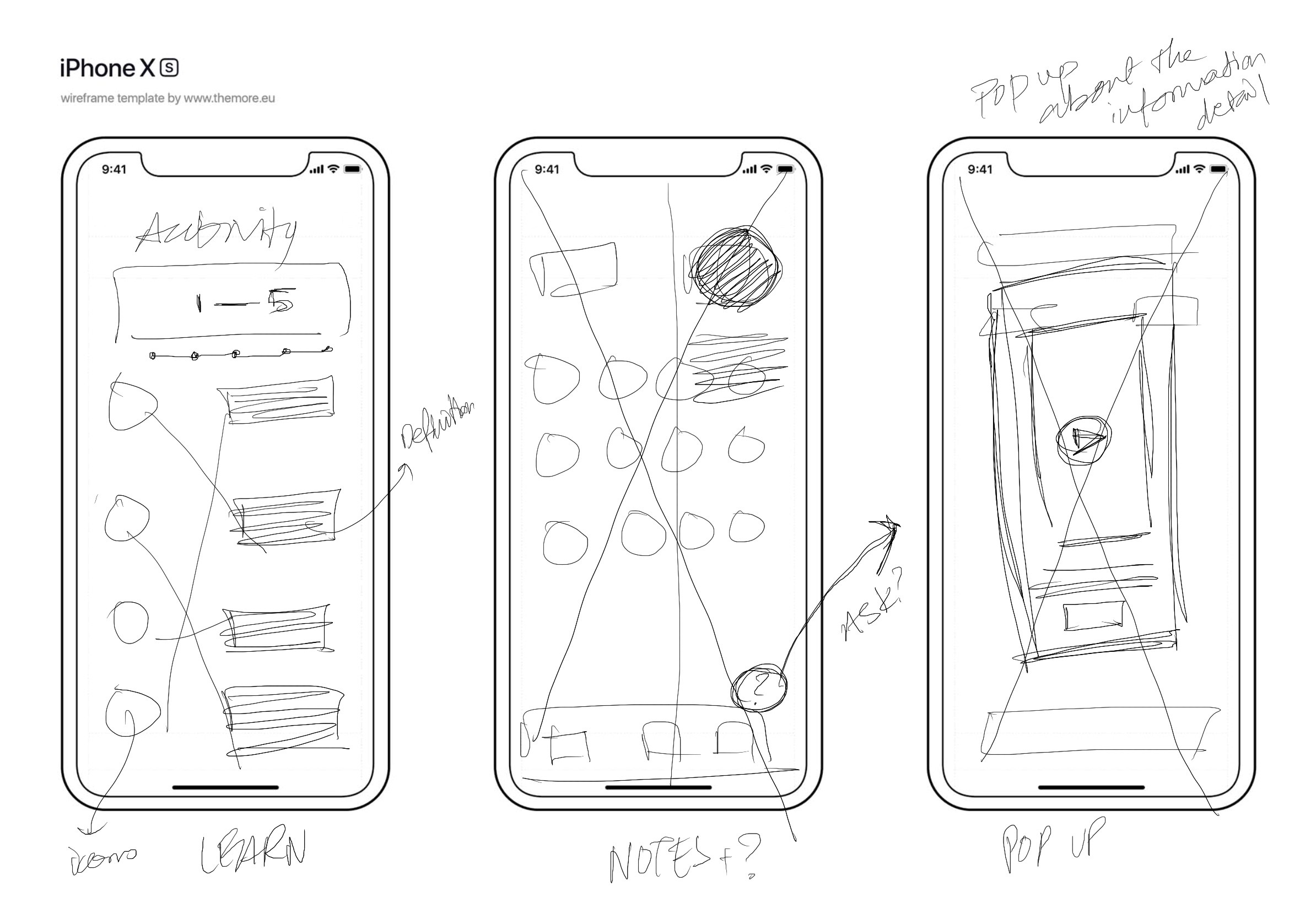
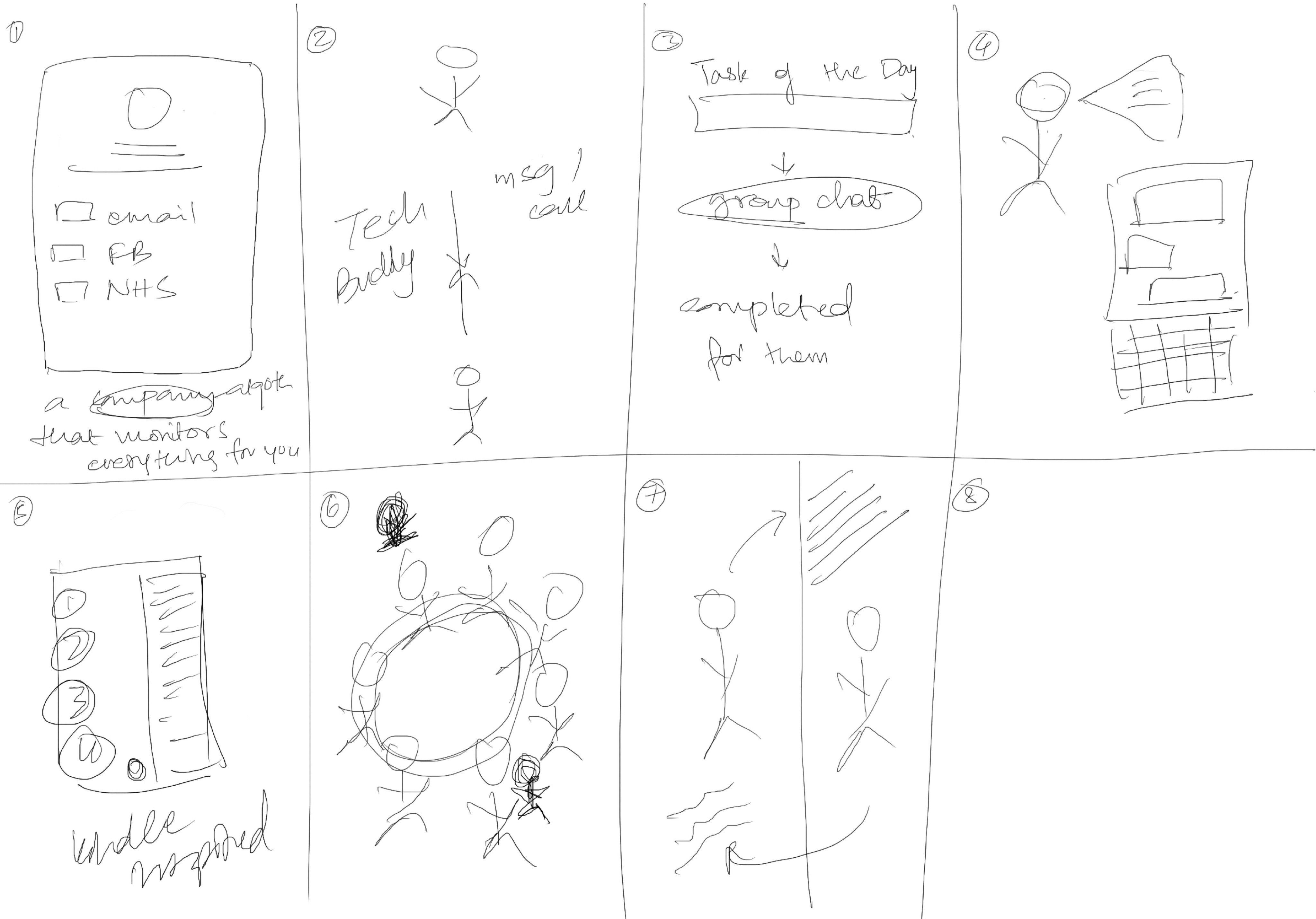
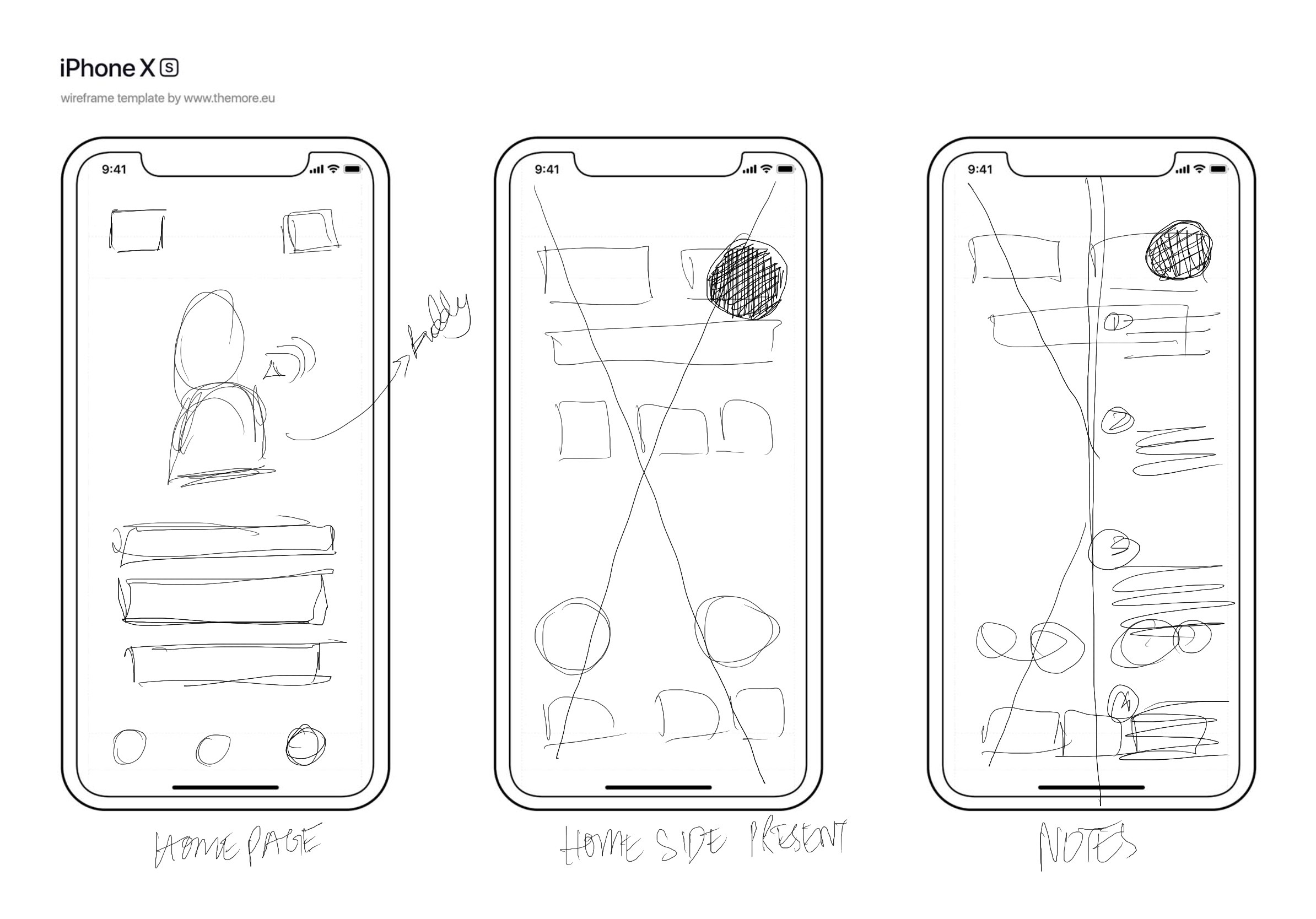
Low-Fidelity Wireframing
Crazy 8s
Storyborading
78% of older adults indicated a positive reception towards AI companionship in tech navigation.
Reference: Vardoulakis, L. P., et al. (2012).
Elderly individuals involved in community-driven tech initiatives are 43% more likely to adopt and understand new digital platforms.
Reference: Xie, B., et al. (2012).
Solutions through Creative Exploration
Ideation Phase: Crafting Connections
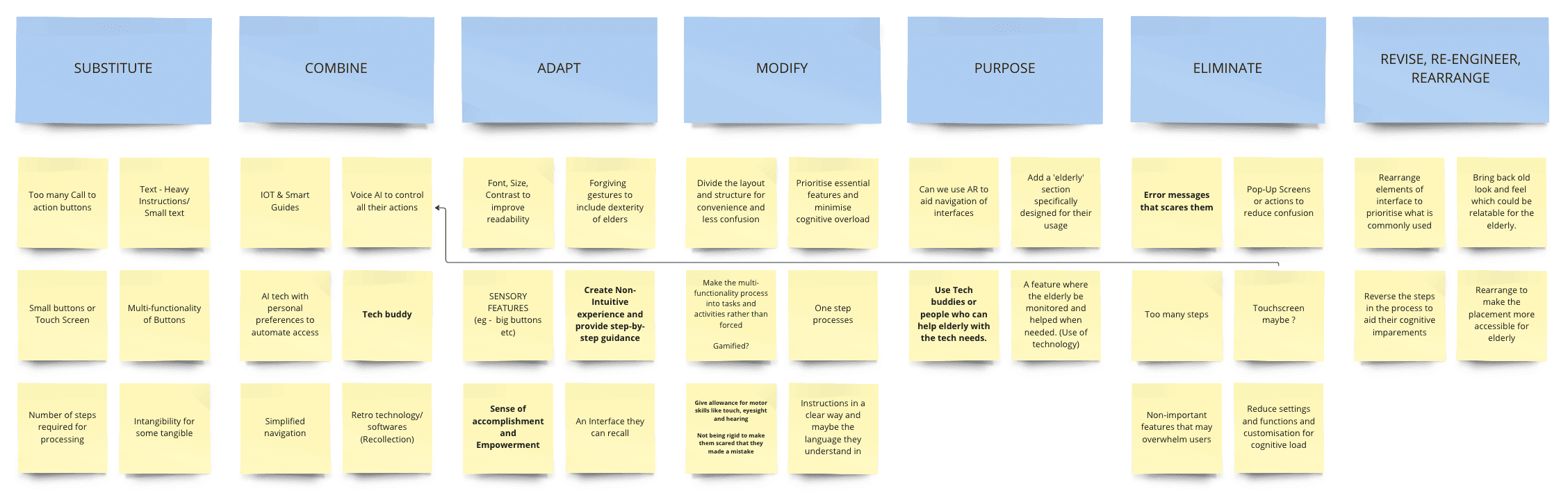
From ideation through wire-framing to user testing, every step of our design process was geared towards empathy and effectiveness. We utilised insights from our initial research to tailor a UI that feels familiar yet innovative, reducing the cognitive load and boosting usability
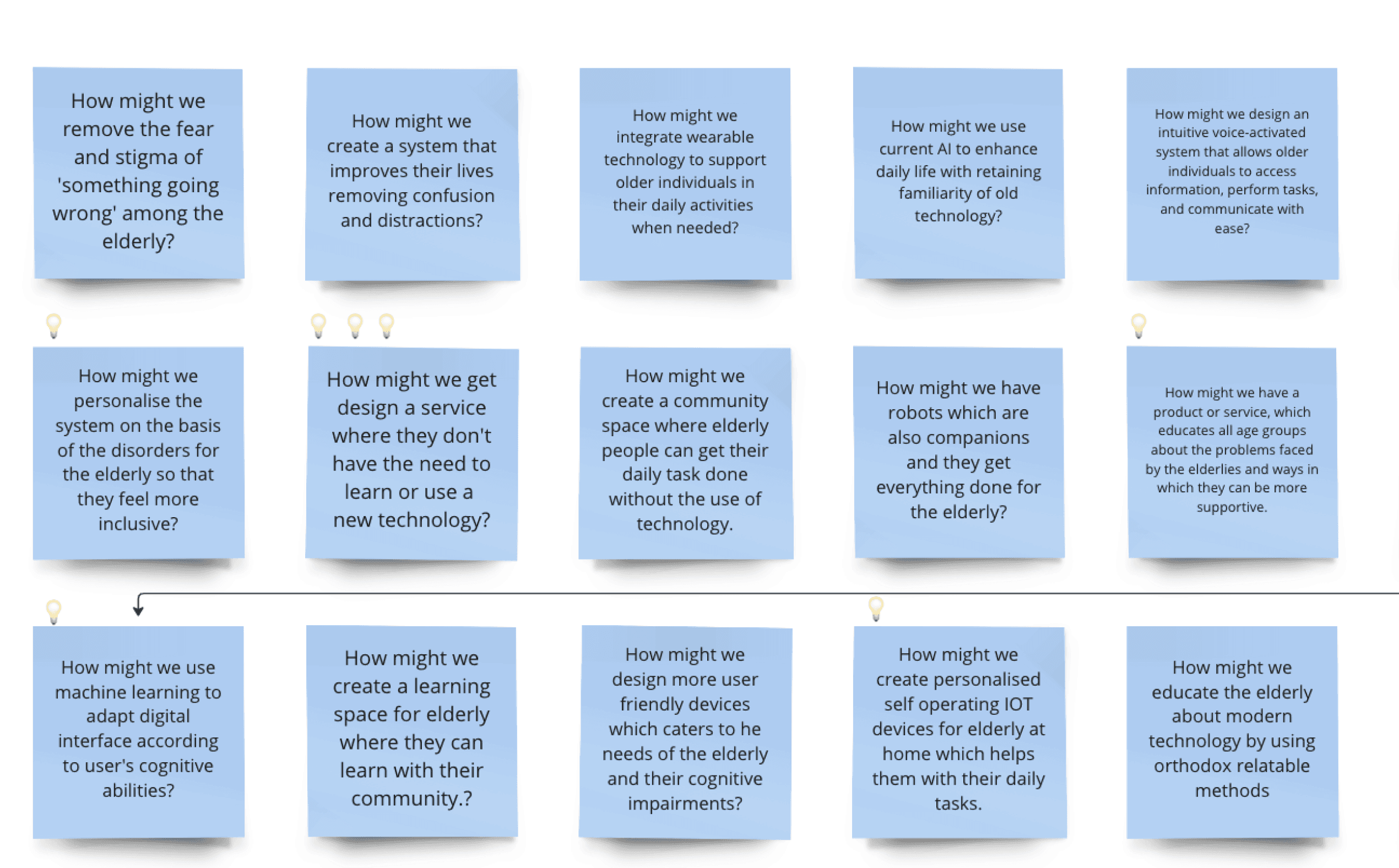
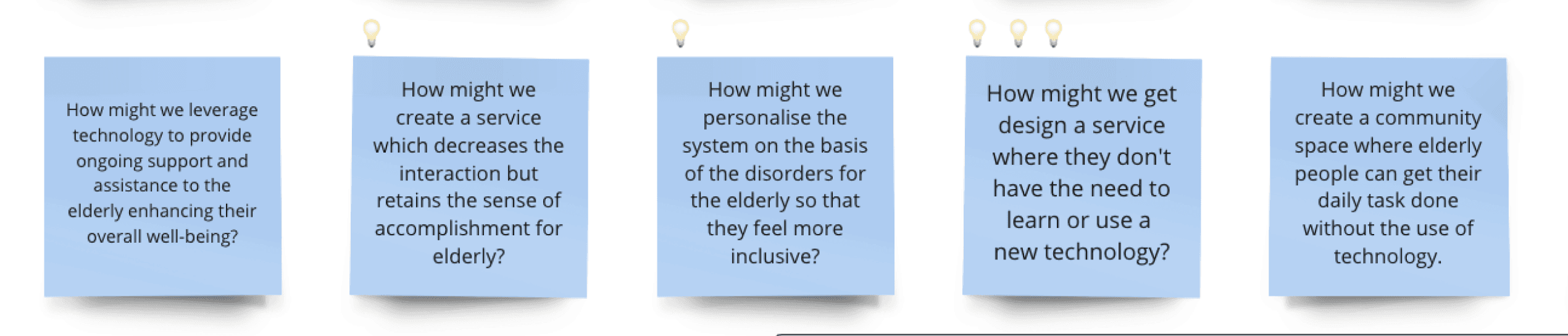
How might we design a product that simplifies and adapts mobile interfaces according to the elderly so that they can navigate daily chores and access necessities?
How might we use machine learning to adapt digital interface according to user's cognitive abilities?
USER JOURNEY MAP
Stages & Sub-Stages:
Barriers/Pain Points:
Emotions:
Discovering the need
Learning about GuidEase
Awareness
Overwhelmed by the tech landscape
Unsure where to start or who to trust
Curiosity
Overwhelm
Hope
Apprehension
Anxiety
Excitement
Relief
Confidence
Empowerment
Occasional
Frustration
Pride
Satisfaction
Eagerness
🧐
😁
😶🌫️
😇
🙄
Fear of making the wrong choice
Skepticism regarding the efficacy of GuidEase
Initial research
Comparing with other options
Deciding to give it a try
Consideration
😌
😰
🤩
Difficulty in understanding installation or setup
Initial hesitation and fear of the unknown
Initial setup
Familiarization and first use
Setting preferences
Adoption
😎
💪
Encountering unexpected errors or challenges
Forgetting previous interactions or commands
Daily/weekly tasks
Exploring advanced features
Relying on GuidEase for new tech challenges
Regular Use
Difficulty in articulating benefits to peers
Hesitation due to the potential stigma of relying on tech help
Sharing with close peers
Promoting on social or community platforms
Advocacy
🤗
🤔
😣
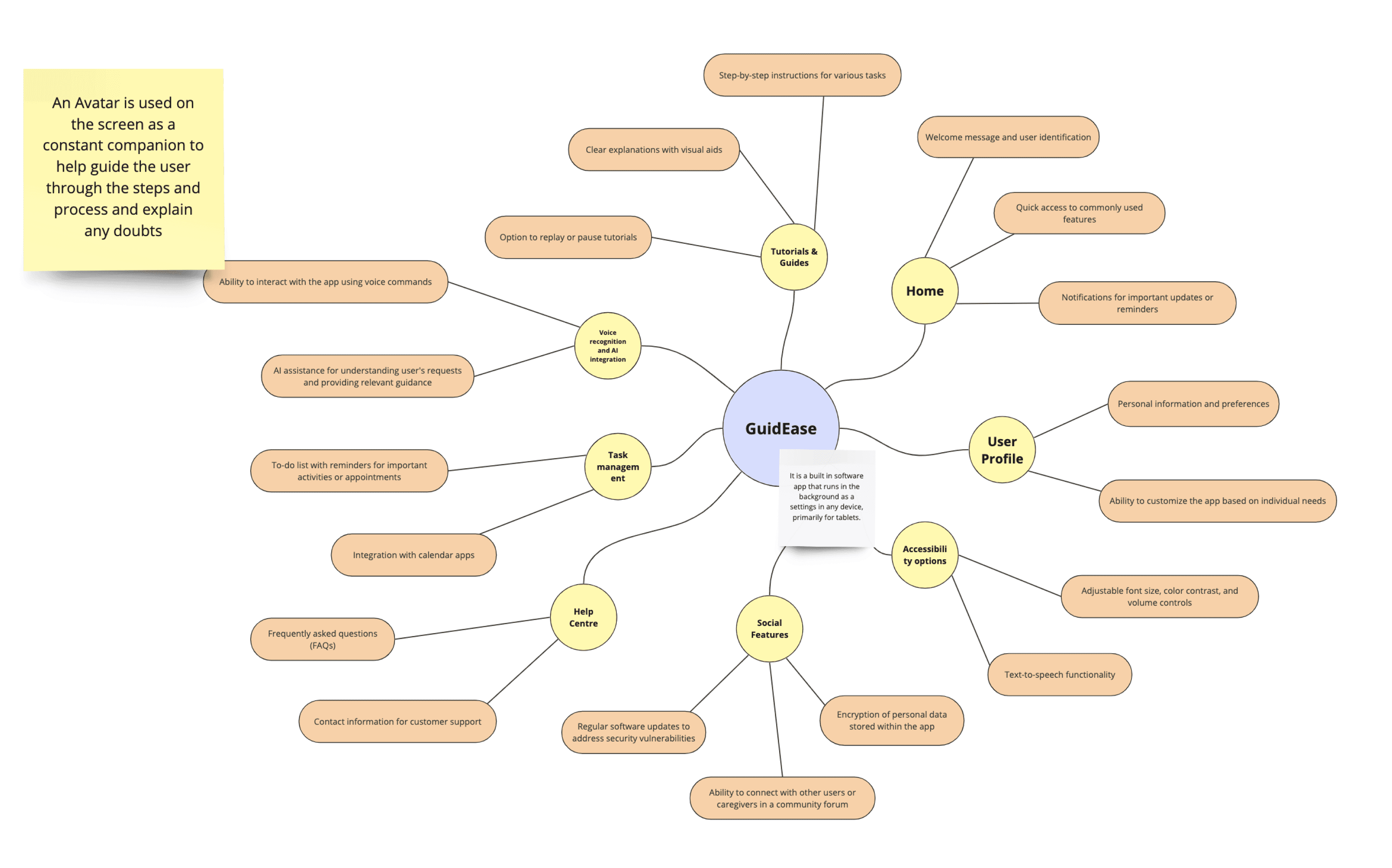
SITE MAP BRAINSTORMING
WIRE FRAMING
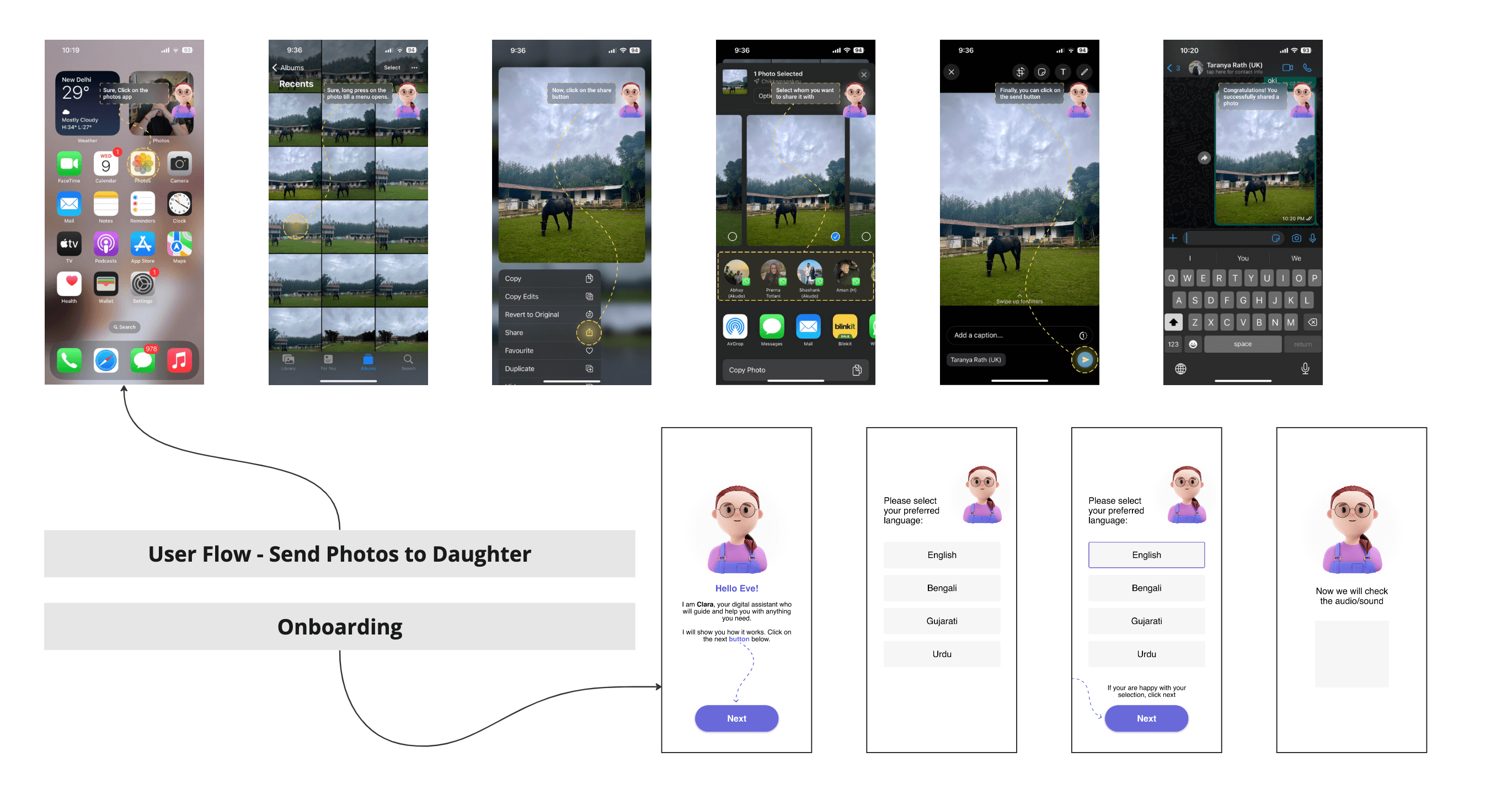
DESIGN CRIT & ITERATIONS
There is a lack of warmth in the flow, some sort of a disconnect
Need to add an emotional element 🤗 to the AI bot, to comfort the user.
Bot's interaction feels mechanical and lacks depth.
Make it conversational 🗣️ adding emulating human patterns
Emphasis onboarding process with tailored personalisation
The screens are not too intuitive 🧠 and seem clinical when you start
USER FLOW & IA
App Name and Logo
Warm Greeting
Start Button
Welcome Screen
Brief Description
Visual Illustration
“Let’s set this up at your pace”
Next Button
Back Button
Introduction Screen
Description (e.g., "How would you like to interact with GuidEase?")
“Let’s set this up at your pace”
Back Button
Interaction Method
Microphone Icon
Brief Text (e.g., "I'd like to speak my commands.")
Test Voice
Back Button
Type
Keyboard Icon
Brief Text (e.g., "I'd like to type my commands.")
Next Button
Back Button
Speak
Preferred name input
Font size preference
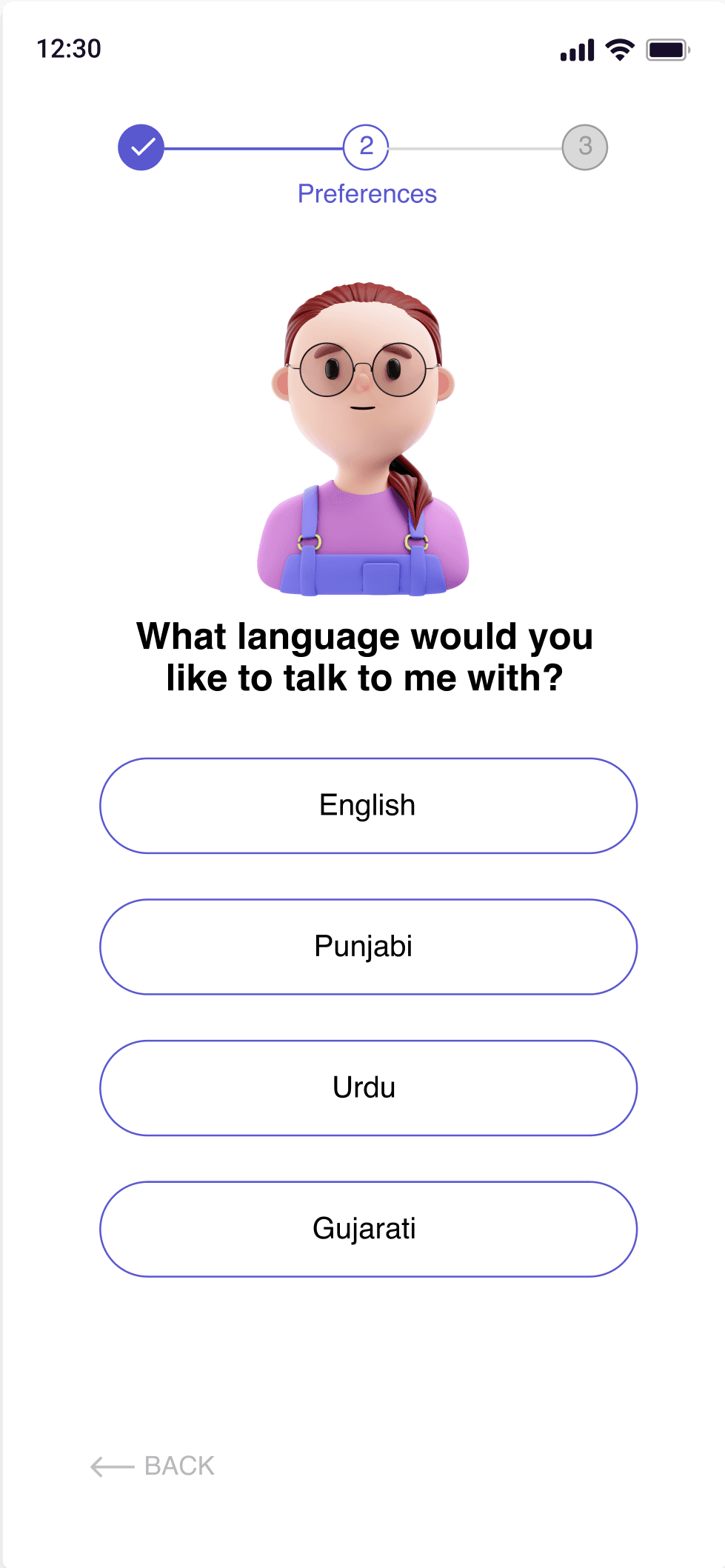
Language Option
Theme Option
Next Button
Back Button
Personalisation
Step-by-step walkthrough (Depending on the choice above: Speak or Type)
Visual cues guiding the user (Pointers, highlights)
Sample tasks (e.g., "Try asking/telling us 'What's the weather today?'")
Next Button
Back Button
Brief Tutorial
Congratulatory Message (e.g., "You're all set!")
Continue Button
Back Button
Finish
Name
Surname
Phone number
Personal info
Permission allowed
Privacy
Font Size
Theme
Language
Output
In app or In phone
Preferences
Profile/Settings
Welcome Section
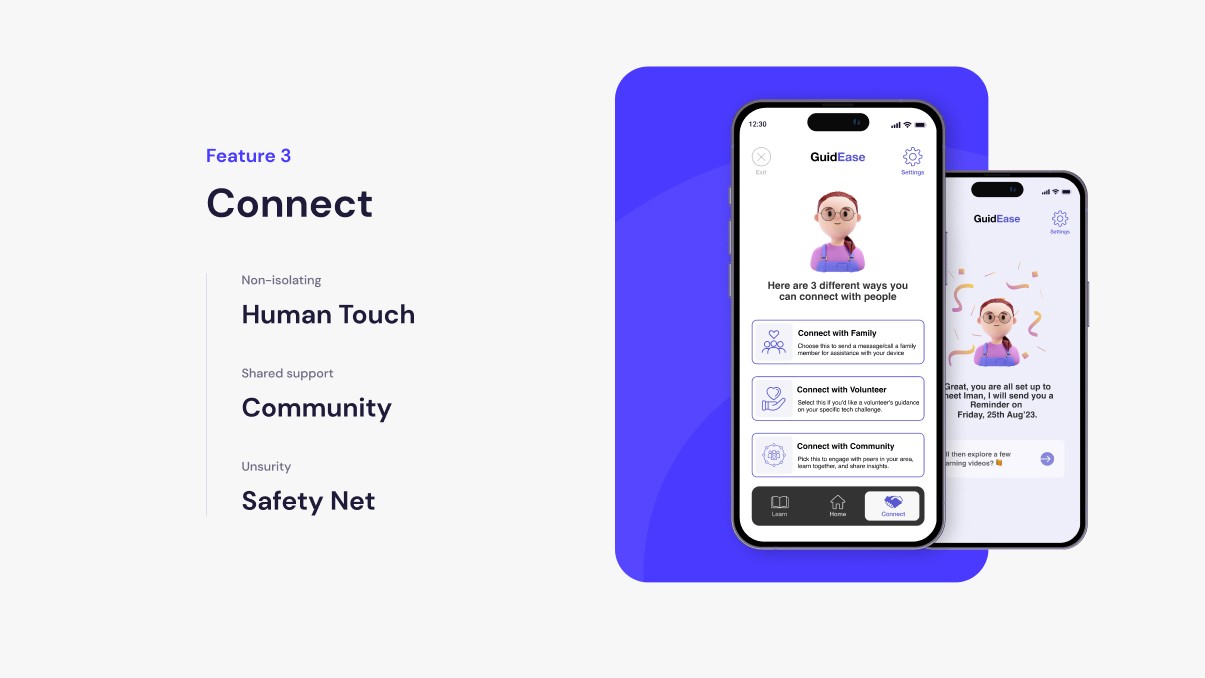
Need human assistance? Find a safe space and learn more
Connect
Brief Explanation (e.g., "Meet and learn with other members just like you.")
Location Selection (To find nearby members)
Time & Date Picker (For scheduling meetups)
Community Member Profiles (List of members available to connect)
Connect with Community
Brief Explanation (e.g., "Talk to a knowledgeable volunteer for guidance.")
Offline/Online Toggle (Choose how to meet the volunteer)
Schedule Assistant (Select available slots)
Volunteer Profiles (List of available volunteers with their espertise)
Connect with Volunteer
Brief Explanation (e.g., "Reach out to a family member for quick help.")
Preferred Contact Mode (Message or Call)
Family Contact List (Previously added contacts by the user for easy access)
Connect with Family
Welcome Section
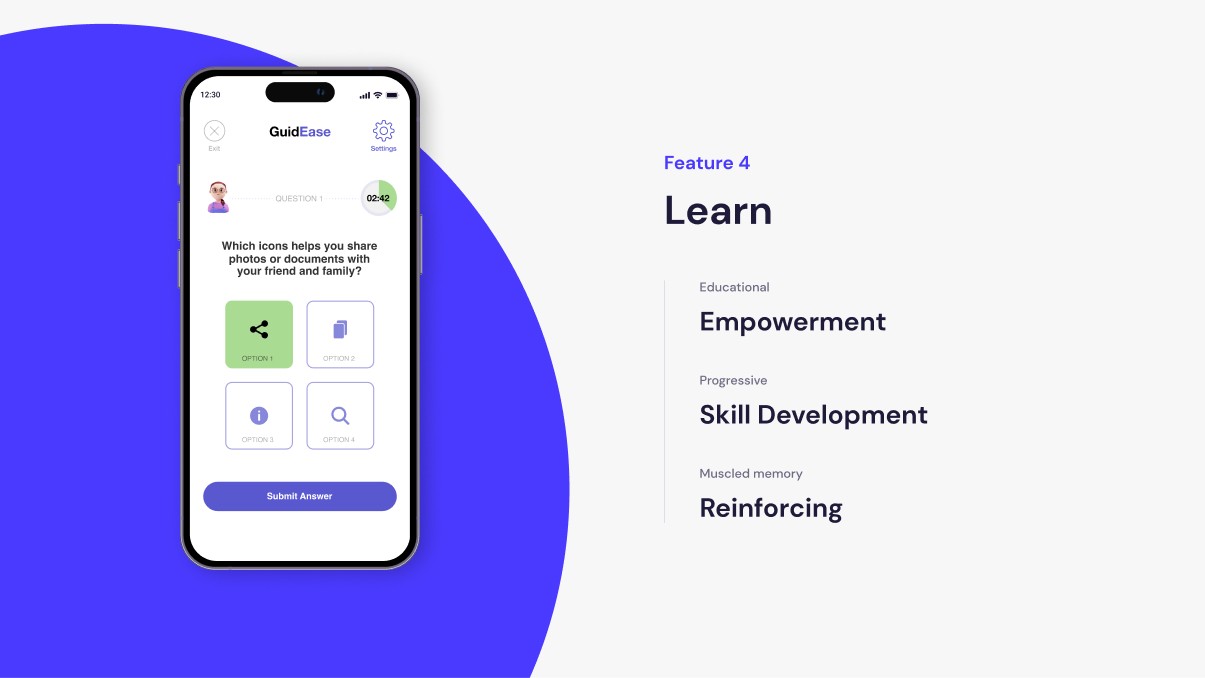
Would you like to learn something new today?
Learn
AI Bot
Hello Eve, How can I help you today?
Speak
Type
Home Page
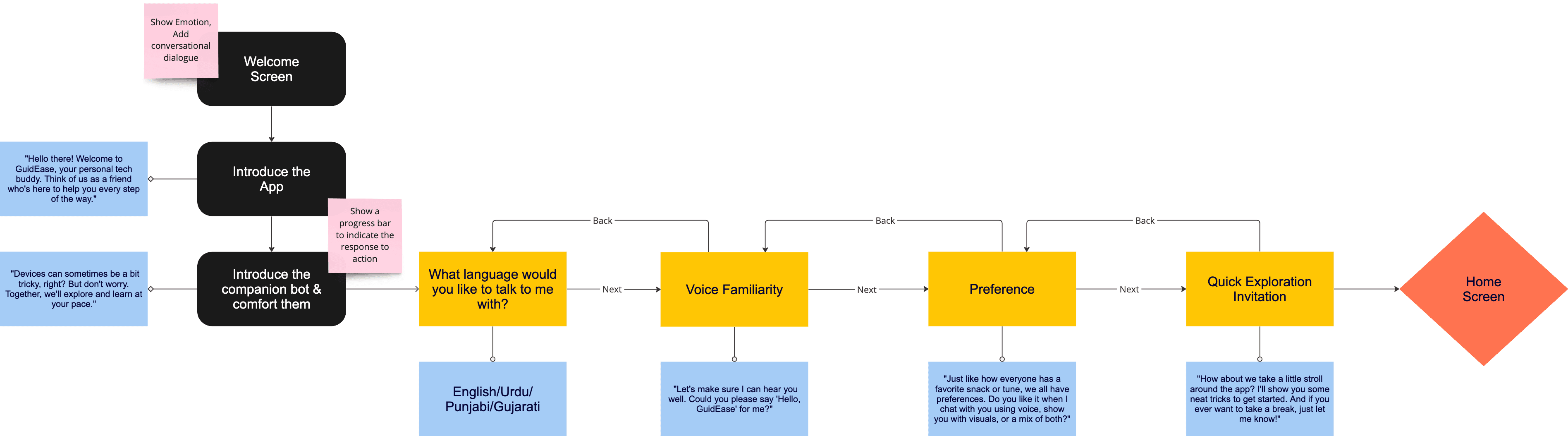
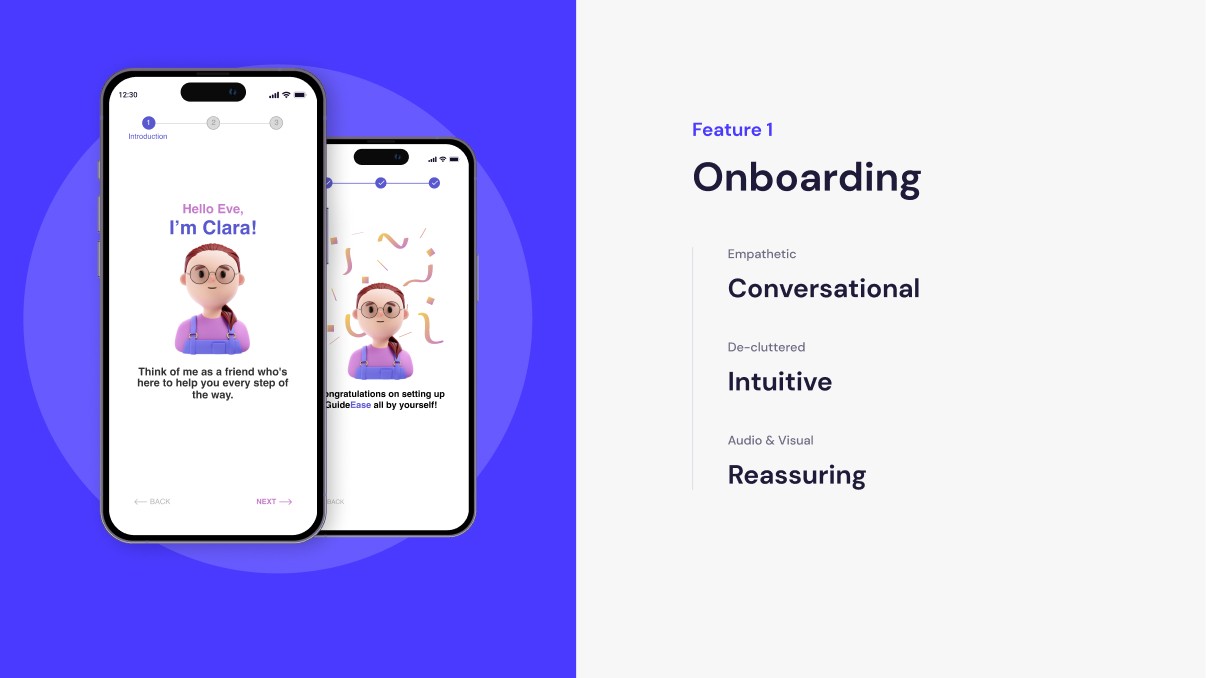
Introducing GuidEase
Outcome
GuidEase isn’t just an app; it’s a movement. We are bridging the digital divide, empowering our seniors to reclaim their independence and connect with the fast-paced world around them. This project isn't just about making things easier; it's about changing lives, one interaction at a time.
We’ve reduced cognitive load by 60%, boosted digital literacy by 75% among our elderly users.
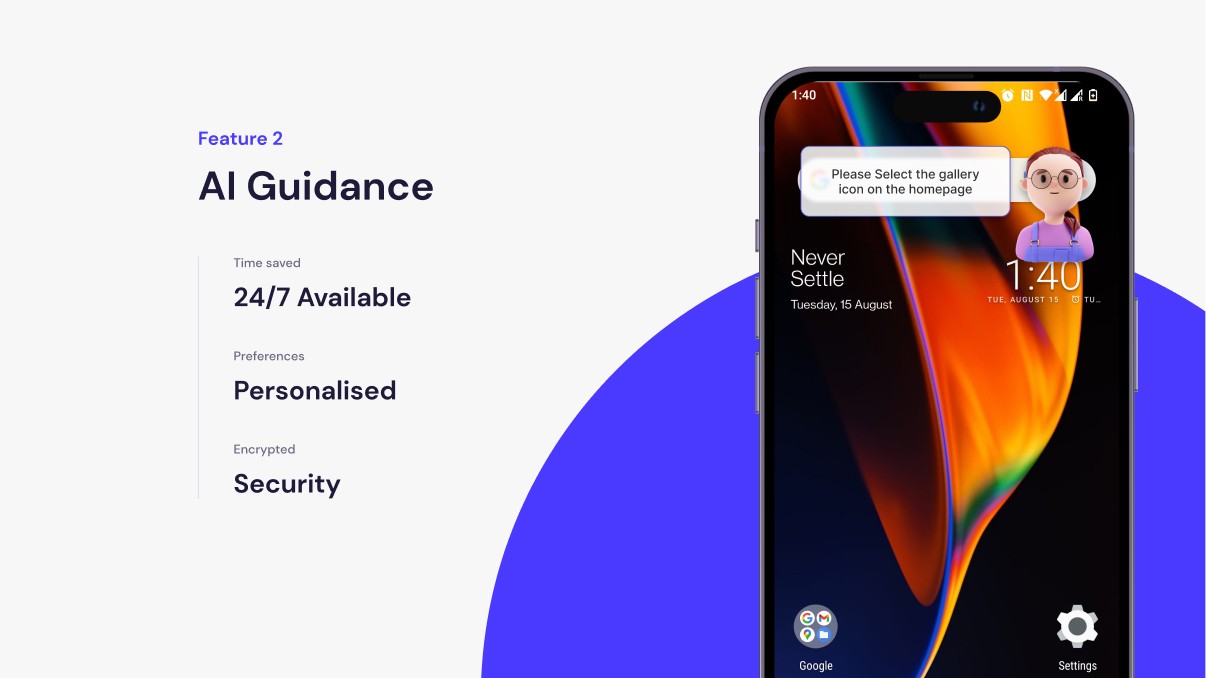
ACCESSIBILITY TESTING
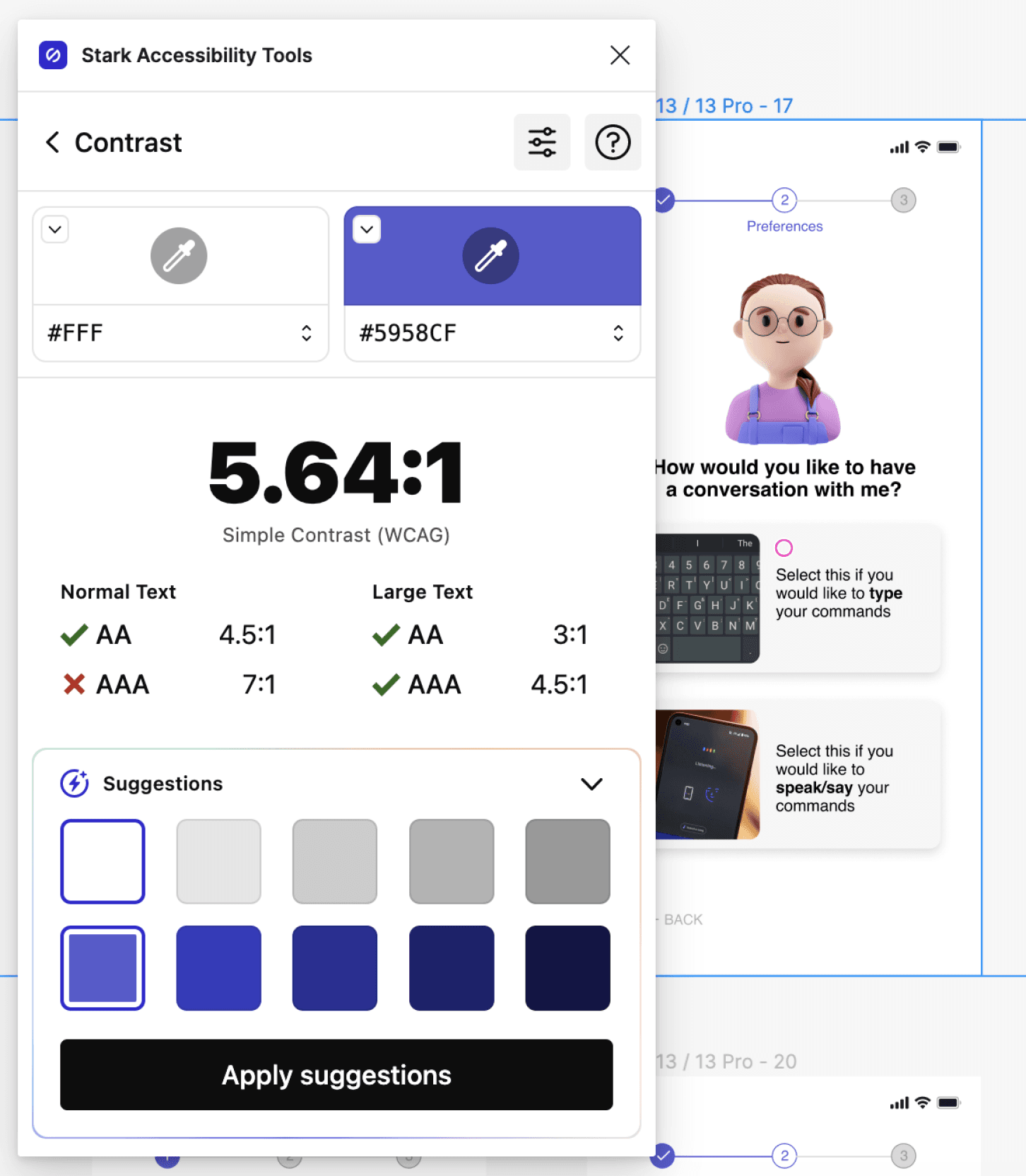
GuidEase was designed with a strong focus on accessibility. Below are screenshots demonstrating the high-contrast mode, large text options, and easy-to-identify navigation buttons that cater to users with limited vision and dexterity. Each feature complies with WCAG 2.1 guidelines, ensuring that our app is accessible to users with diverse needs
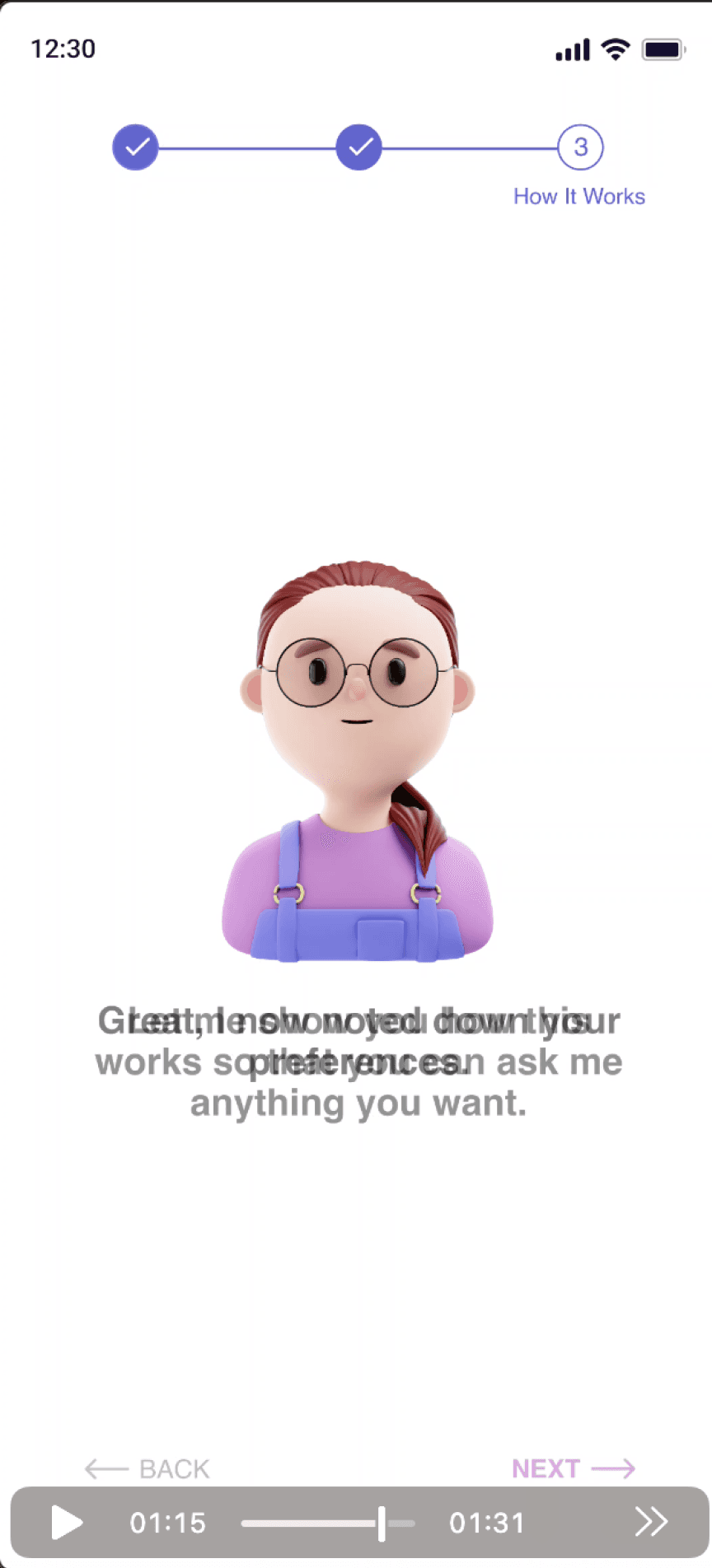
Text
Should have a ratio of 4.5:1
Title
The title should be in plain English.
The title should describe the web site as well as the specific page being displayed by the site.
Flashing
Check that the rate of flashing is less than 3 Hz (3 times a second), or scroll delay is set to >= 400.
USER TESTING & FEEDBACK
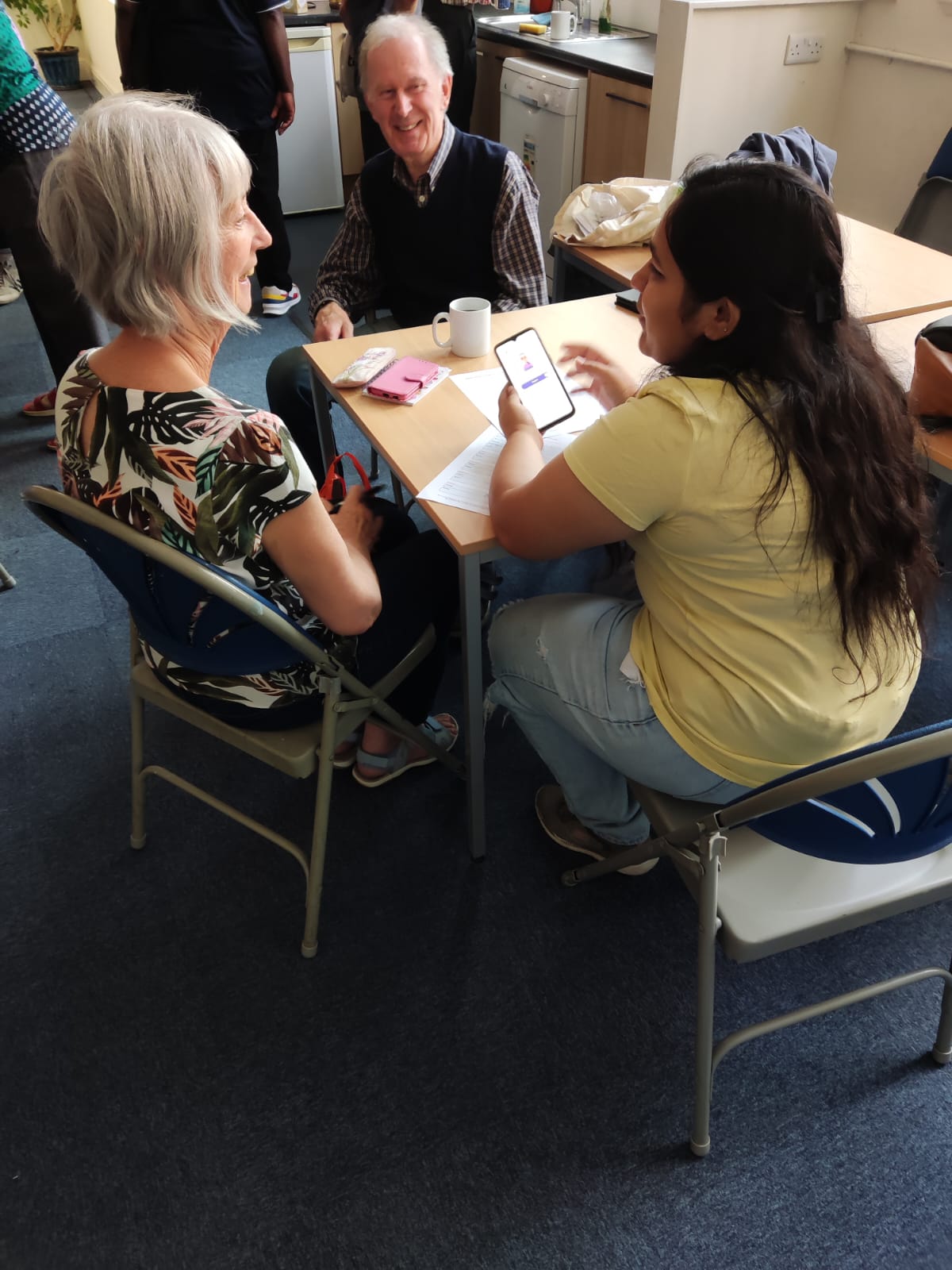
“That would really be helpful and not make me feel like a fool for asking the same thing every time. Really would reduce my stress.”
Designing GuidEase wasn’t just a project; it was a profound journey into understanding, empathy, and real-world impact. 🥹
Thank You!
"Pay attention to what users do, not what they say."
- Jakob Nielsen.
Designed by Taranya ☺️
Last Updates January 2023
📧 taranya@gmail.com
📱 +44 7771752730